Frontend development is where a product either feels obvious, or feels like it was assembled during a coffee shortage. Studio Ubique builds frontends that load fast, behave predictably, and don’t collapse when content changes. Think component-based UI, real states, clean routing, and interfaces that match the design instead of “kind of resembling it”.


Five areas where frontend development moves a project from “kind of works” to “actually works”: responsive layouts, performance, framework choice, accessibility, and the handoff from design to code without losing detail in transit.

Mobile-first layouts that work from 4-inch screens to 4K monitors without the pinch-zoom dance. Real breakpoints at content-meaningful widths, not arbitrary device sizes. Touch targets sized for actual fingers.

Code-splitting, lazy-loading, critical CSS, image format choices that match the use case. The unglamorous engineering that turns a 4-second first paint into a 1.2-second one. Users don’t notice when it’s fast, they leave when it isn’t.

React, Vue, Next.js, Svelte or vanilla JavaScript, depending on what the project needs. Component-based architecture, typed where it matters (TypeScript), state management chosen for the project’s actual complexity (not Redux on a five-page brochure site).

Semantic HTML, ARIA where needed (and only where needed), WCAG 2.2 compliance, keyboard navigation, screen reader testing. Accessibility done as part of the build instead of bolted on afterwards, which is when it usually fails.

Storybook component libraries, TypeScript typings, design tokens synced from Figma. Cuts the design-developer-Slack-loop that drags a two-week build into four.

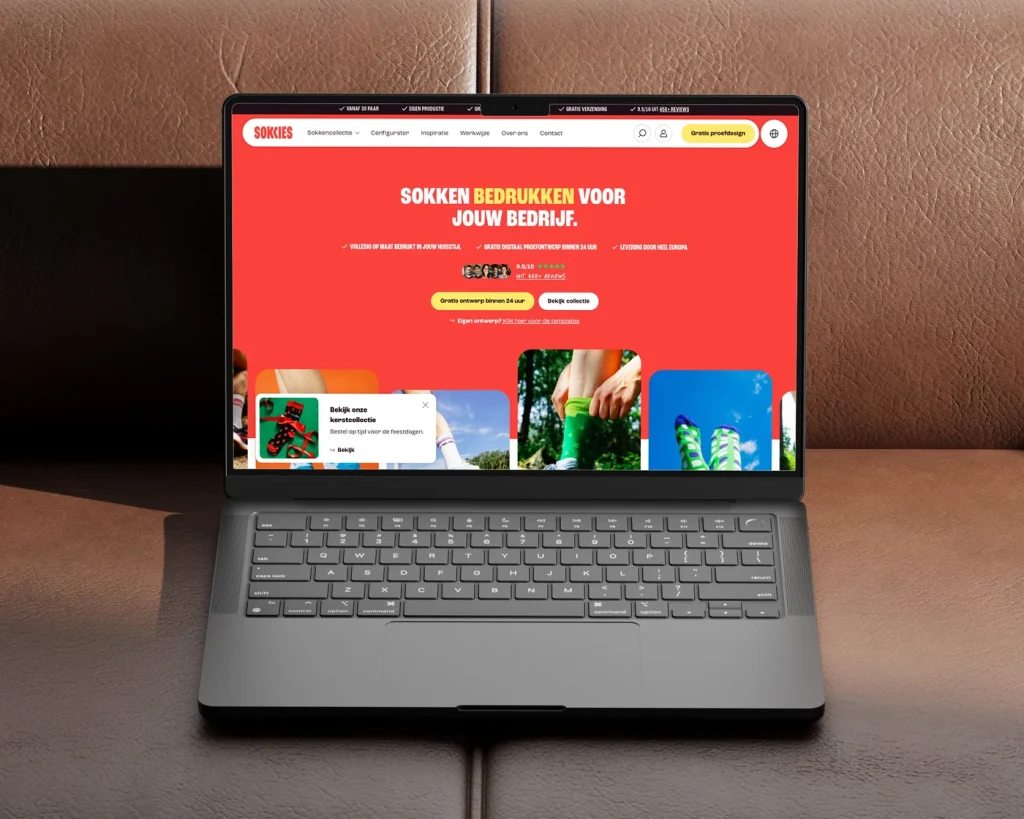
languages from day one
Webshop for custom printed socks, without a checkout

days ahead of a key player event
Athlete management agency website for women’s basketball
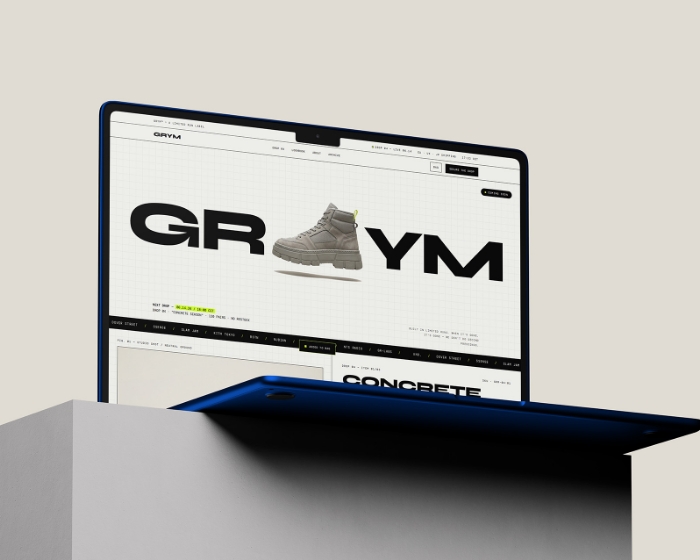
page storefront, brand to cart
Streetwear ecommerce website design, a concept
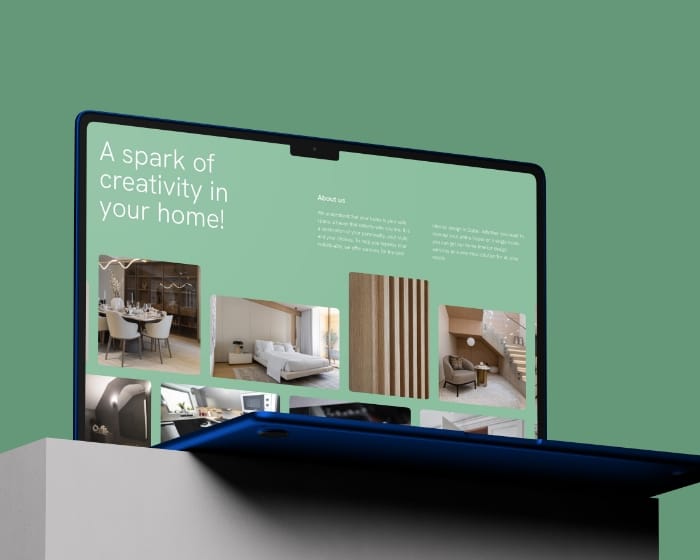
organic traffic grow in 3 months
Custom B2B WordPress website for Pine Tree Lane
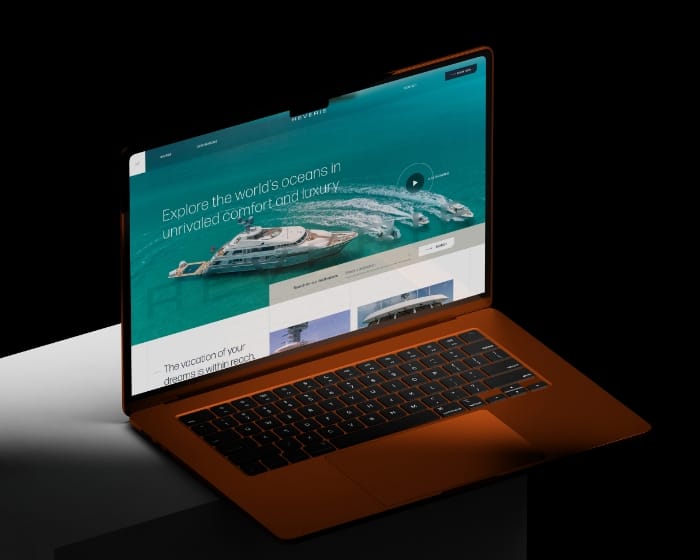
higher onboarding completion rate
Reverie: WordPress design and development for a yacht that sells dreams
more user engagement after redesign
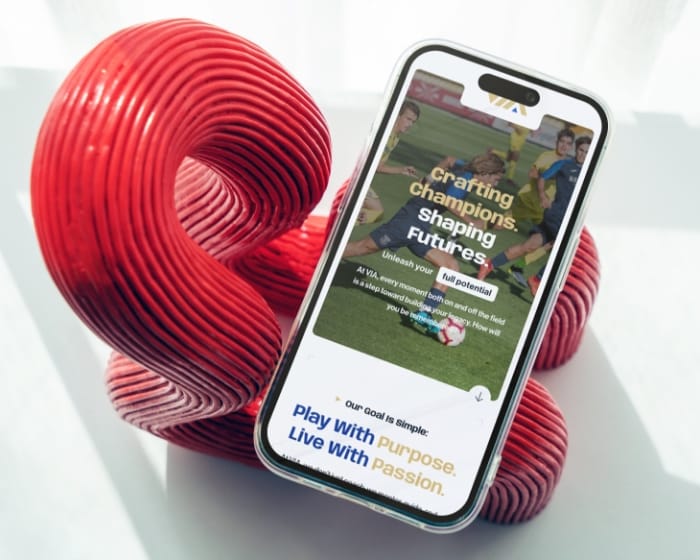
Sports travel website design and WordPress development for Via Sports Experiences
Four frontend stacks we work with regularly, with what each one is actually good at. The right pick depends on your existing stack, hiring market, content management approach, and whether SEO matters for the pages this stack will render.
Largest ecosystem, deepest hiring market


Lighter than React, easier to onboard

Smallest bundle sizes, modern syntax

React with SSR, when SEO matters

You’re here because the UI looks fine in Figma or XD, then behaves like a different product in the browser. We keep the process simple, define what “done” means, then build and test until the frontend stops surprising people.
01
We check the current UI, the designs (if any), the codebase, and the constraints, browsers, devices, performance budget, accessibility expectations. Then we agree on scope that won’t explode in week three.
02
We look at the real user flows, analytics, and the places where people hesitate, drop, or rage-click. Then we pick the fixes that actually matter, not the ones that sound nice in a meeting.
03
We map screens to components, states, and edge cases, loading, empty, error, success. Tokens, breakpoints, interactions, all written down so the build is predictable.
04
We implement, review, and test across devices. You get clean commits with meaningful messages, consistent components, and a frontend your team can pick up six months later without an archaeology session.
05
After launch we monitor errors and performance, then handle fixes and small iterations with clear priorities, not panic.
Studio Ubique works with startups, agencies, and mid-sized companies who want their product to work better than their competitors’ excuses. Since 2012, with clients across 15+ countries.
The questions that come up most often, answered here. Yours not among them? Just ask, there's a human on the other end.
Frontend development is everything users see and interact with in the browser: HTML structure, CSS styling, JavaScript behaviour, component architecture, state management, animations, accessibility implementation, and the integration with backend APIs. It’s the layer where designs become actual working software, and where most of the “looks great in Figma, breaks in Chrome” surprises happen.
On bigger projects we also handle build tooling (Vite, Webpack, Turbopack), CI/CD setup for the frontend, performance budgeting, and ongoing observability. Our development pillar covers how frontend work fits into larger projects with backend and infrastructure included.
Depends on four practical questions, in order. What’s your team’s existing stack and what can they maintain six months from now? React has the deepest hiring market and largest ecosystem; Vue is lighter and easier to onboard for non-specialists; Svelte produces the smallest bundles and feels closer to writing HTML; Next.js is React plus server-side rendering for when SEO matters on dynamic content.
Most marketing sites and content-heavy projects benefit from Next.js. SaaS dashboards and internal tools usually go React or Vue. Performance-critical projects with a small team often suit Svelte. We don’t pick frameworks for novelty, we pick them for hiring market and long-term maintenance. Our agency page covers how stack decisions play out across different project types.
Both. Studio Ubique works full-stack on most projects, with frontend and backend developed in sync rather than thrown over a wall. That tightens the API contract, catches integration issues during build instead of in QA, and avoids the “the frontend developer assumed the backend developer would handle that” gap that kills timelines.
When clients hire only frontend and run backend internally or with another team, we work to their API spec and provide clean documentation of what the frontend expects. Backend development work covers what we offer when you want both sides under one roof.
Three to six weeks for a marketing website or landing page system with a content management backend. Six to twelve weeks for a typical SaaS dashboard or web application with multiple authenticated views, role-based UI and several integrations. Three to six months for larger platforms with custom design systems, complex state management, real-time features and dozens of unique screens.
The big variable is how decided the design is when frontend starts. Final designs approved, component library defined, edge cases mapped: the short end of those ranges. Designs evolving as we build: the long end. Recent frontend project work shows how the timelines play out across sportsbook UI, B2B platforms and recruitment software.
Accessibility gets built in during component development, not retrofitted before launch. We target WCAG 2.2 AA as a baseline: semantic HTML, keyboard navigation, sufficient colour contrast, ARIA roles only where native HTML can’t do the job, focus management on dynamic content, and tested against screen readers (NVDA on Windows, VoiceOver on Mac and iOS).
For clients with public-sector contracts or specific regulatory requirements, we can target WCAG 2.2 AAA on critical paths and provide formal accessibility audits with documentation. Most commercial projects don’t need AAA but benefit from it on signup flows and checkout. Our UX/UI design service covers how accessibility considerations shape the design phase before development starts.
Pricing is scope-based, not menu-based. Frontend-only projects (marketing site, landing pages, design implementation on top of an existing backend) sit between €5,000 and €25,000. Mid-complexity frontends for web applications or SaaS dashboards run €15,000 to €50,000. Larger frontends with custom design systems, complex state management and many unique screens reach €50,000 to €100,000+. Our hourly rate is €60 to €65 across roles, NL and India team combined.
Cost drivers, in order: number of unique screens or templates, custom interaction complexity (drag-and-drop, real-time updates, complex forms), accessibility requirements (AAA adds time), and how much component-library work needs to happen from scratch versus extending an existing system. A short discovery call gives you a scoped range within a few days.
Yes, that’s a deliberate design decision. We write frontend code with the assumption that someone else will eventually own it. Standard project structure for the framework in question, no clever-but-obscure patterns, TypeScript types where they help, component documentation in Storybook, meaningful commit messages, README files that explain how to run things locally.
When the time comes to hand over (whether to an internal team that’s grown enough to take development in-house, or to another agency), we do a transition call with the new developers, walk through the codebase, and stay available for follow-up questions for a defined period. More on how we work is on the about page.
Contact
Not everyone likes to write. Rather talk to someone first? Book a 30 to 45 minute intro call through Calendly. It's free, and by the end you'll know whether a proposal makes sense.
Book a call(opens in a new tab)Tell us what's stuck, what you want to build, or what needs fixing. We usually reply within 1-2 business days.