Users spend 88% of mobile time inside apps, not on the mobile web. Studio Ubique builds the apps that earn that time: native iOS in Swift, native Android in Kotlin, cross-platform in React Native or Flutter, plus progressive web apps when an install requirement is the wrong friction point. The stack discussion happens first, the build happens second.


Four areas where mobile app development decisions actually matter. Most projects involve all four, with different trade-offs between them depending on what you’re building. Native iOS, Android, or cross-platform, each comes with its own answer.

Swift for iOS, Kotlin for Android, both following platform best practices for performance, App Store and Play Store compliance, accessibility, and device-specific features (camera, sensors, notifications, deep linking). Native is the right call when performance matters, when platform-specific features drive the product, or when long-term maintenance costs favour platform standardisation over codebase sharing.

React Native and Flutter let one codebase target both iOS and Android, with platform-specific exceptions where needed. Code sharing typically lands between 70 and 90 percent depending on platform feature usage. Right fit for apps where the iOS and Android versions need to stay closely matched, where engineering team size favours one stack over two, or where time and budget constraints make two native builds impractical.

Progressive web apps run in the browser but feel close to native: install prompts, offline access, push notifications on supported platforms, full-screen mode without browser chrome. PWA fits when an install requirement is a friction point (low-storage devices, data-sensitive audiences, B2B users who can’t install third-party apps on managed devices), or when a fast launch with iterative improvements matters more than full platform integration. The trade-offs: iOS still limits PWA capabilities more than Android, and discoverability outside search is harder than app store listings.

Most apps live on integration logic as much as on UI. REST or GraphQL endpoints designed for the integrations the app actually needs: payment providers, analytics, push notification services, CRM sync, user authentication, IoT device connections for connected products. The integration layer typically costs 30 to 50 percent of total app project effort, more than clients usually expect at scoping.
languages from day one
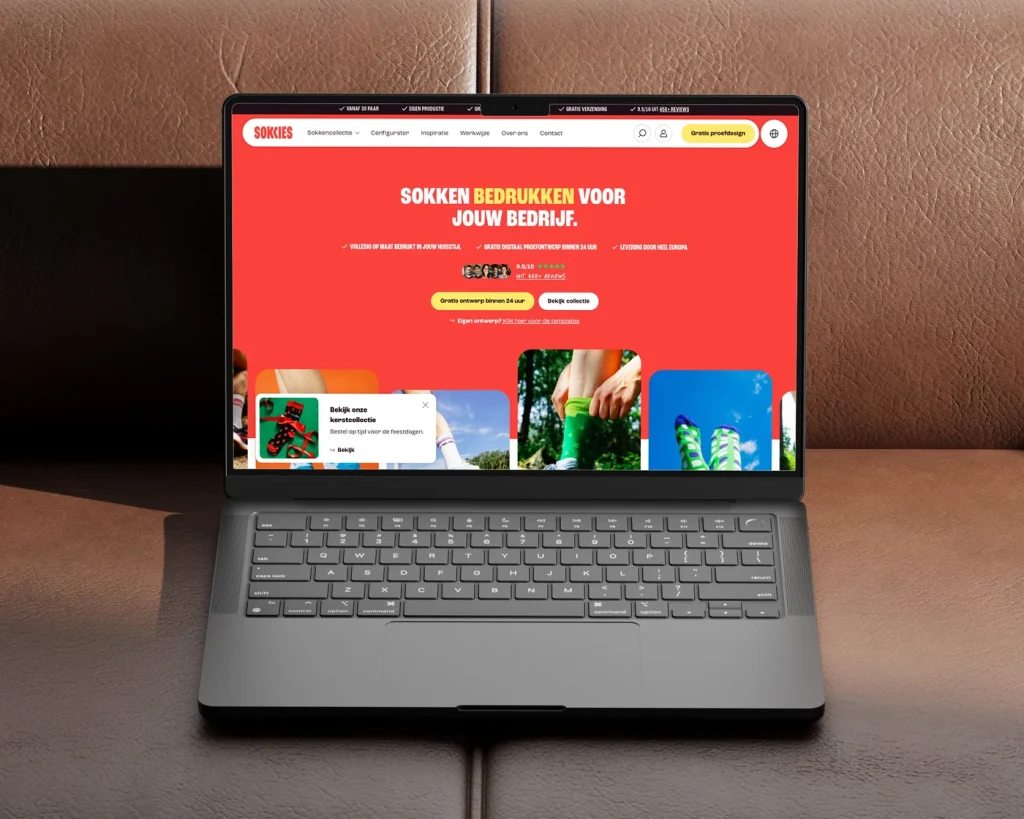
Webshop for custom printed socks, without a checkout
average session length, up 61%
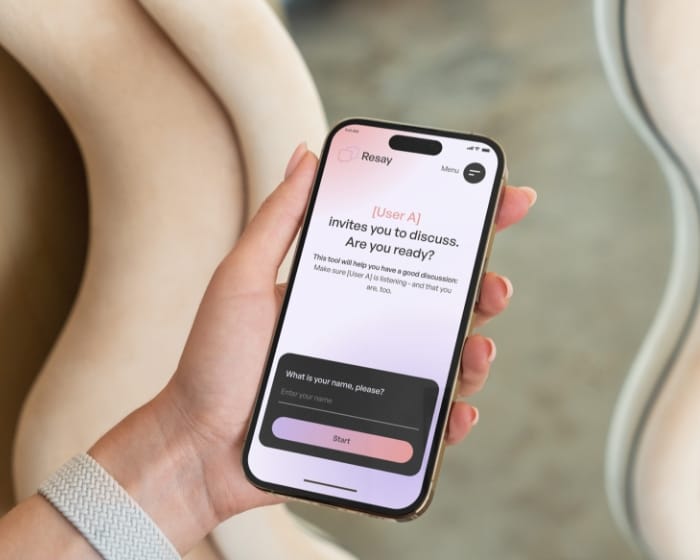
Resay: custom web application for smarter workflows
bounce rate & session duration x3 post-live.
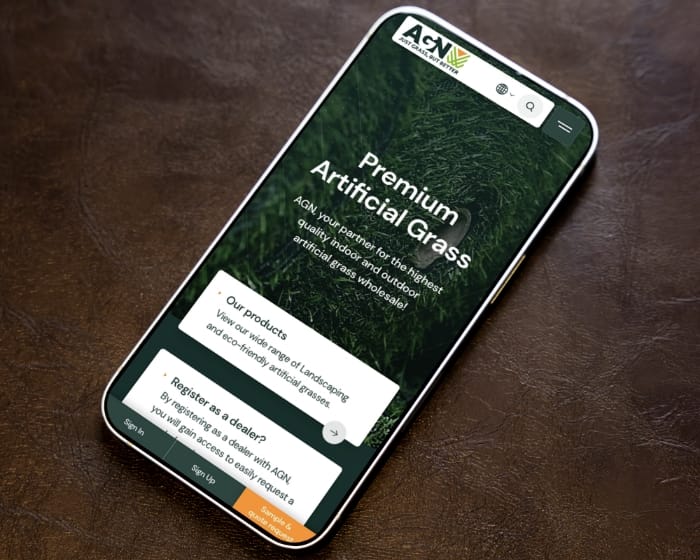
B2B artificial grass eCommerce WordPress UX design and development for AGN
more user actions after redesign
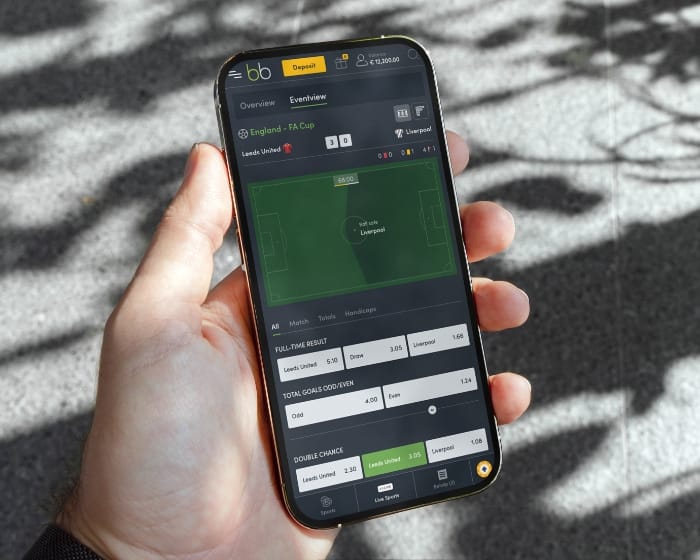
Custom sportsbook platform UX/UI design and development
uplift in average cart value
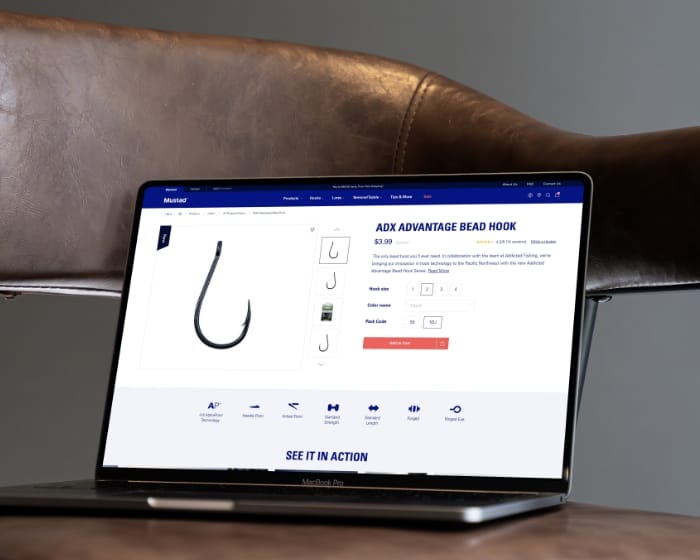
Mustad Fishing multibrand eCommerce website design
Platform choice is one of the few mobile decisions that’s expensive to reverse later. We pick based on what your app needs to do (performance profile, platform-specific features, integration patterns), the team that has to maintain it, and your budget reality. Four common paths and where each one fits.
Native iOS app development excellence


Optimised Android app development experience

Rapid cross-platform mobile apps

Install-free progressive web app development

Five phases for mobile app development, scaled to project size. A €25.000 single-platform MVP moves through these faster than a €150.000 native multi-platform build with backend, but both follow the same shape.
01
We start by mapping what the app needs to do, who uses it, and on which devices and platforms. Platform decision (iOS first, Android first, both at once, native versus cross-platform versus PWA) happens here based on user demographics, performance requirements, integration constraints, and budget reality. Output: a clear product brief plus a platform recommendation you can review with your CTO or tech advisor.
02
UX flow design, screen-by-screen UI design, and an interactive prototype your team can click through before any code gets written. Mobile design patterns (touch targets, gestures, navigation conventions, platform-specific UX differences between iOS and Android) get applied at this stage rather than retrofitted during development. The prototype catches scope and flow problems while they’re still cheap to fix.
03
Sprint-based build cycles, typically one or two weeks per sprint, with working app builds at the end of each. Code reviews happen as standard. Integration work (payment providers, push notifications, analytics, third-party APIs) happens in parallel with feature work, not bolted on at the end. You see working software at each sprint demo, not slide decks.
04
TestFlight for iOS, Google Play Internal Testing for Android, plus a structured beta period with real users on real devices. Bugs surface that no internal QA catches because users do things developers don’t predict. After beta, we handle App Store and Play Store submission, including the metadata, screenshots, app preview videos, and the back-and-forth with Apple and Google review teams that often takes longer than the actual upload.
05
The first month after launch usually reveals what beta didn’t catch. Real usage data shows which features get used and which sit unused. Crash analytics surface device-specific or OS-version-specific issues. App Store reviews bring feedback that didn’t come up in beta. We stay on for post-launch fixes, performance work, and the feature additions that come up once real users have hands on the product.
Studio Ubique works with startups, agencies, and mid-sized companies who want their product to work better than their competitors’ excuses. Since 2012, with clients across 15+ countries.
The questions that come up most often, answered here. Yours not among them? Just ask, there's a human on the other end.
Hourly rates run €60 to €65 across all engineering and design roles. Mobile app project totals depend on platform coverage, complexity, and backend requirements. A single-platform MVP (iOS or Android, basic features, minimal backend) sits between €25.000 and €50.000. A standard cross-platform app (React Native or Flutter, both platforms, moderate feature set, basic backend) lands between €40.000 and €80.000. Native dual-platform builds (separate iOS and Android codebases) typically run €60.000 to €150.000+. Apps with significant custom backend, real-time features, complex integrations, or enterprise security requirements go higher. Most Studio Ubique mobile projects sit in the €30.000 to €100.000 range. For comparison, equivalent projects at Western European agencies typically run 30 to 40 percent higher because of the hybrid NL plus India team structure. Our pricing page covers the broader rate structure.
Three factors decide it. First, performance and platform-specific features: apps that need 60fps animation, complex device integration (AR, HealthKit, advanced camera work, background services), or platform-specific UX patterns favour native. Cross-platform handles most consumer app needs fine, but hits ceilings on the performance edge. Second, team and budget reality: native means two codebases, two engineering disciplines, roughly 1.7 to 2x the cost. Cross-platform means one codebase but a less mature ecosystem and occasional platform-specific workarounds. Third, long-term maintenance: native apps age more predictably because platform changes affect one stack at a time. Cross-platform apps depend on framework maintainers keeping up with iOS and Android updates, which mostly works but occasionally lags. Studio Ubique recommends cross-platform for most apps and native when there’s a clear technical or commercial reason to spend the extra budget. Our case studies show both approaches in production.
Single-platform launches are often the right call. iOS first makes sense when your target audience skews higher-income (US, Western Europe), when you need faster validation with a smaller user base, or when iOS-specific features drive the product. Android first makes sense when your target audience is global majority markets (India, Brazil, Southeast Asia), when you need broader reach for ad-supported or marketplace products, or when device diversity is part of the testing strategy from day one. Single-platform launches typically cost 50 to 60 percent of dual-platform, validate the product faster, and let you incorporate real user feedback before building the second platform. The trade-off: half your potential audience is on the other platform. For B2B apps, the platform decision often follows your customers’ phone choices, which is usually iOS for enterprise and mixed for SMB.
Apple’s App Store has stricter review standards: 24 to 48 hours typical review time, sometimes longer for first submissions or apps in regulated categories. Common rejection reasons include missing privacy policy details, unclear app purpose, incomplete metadata, payment flows that bypass Apple’s in-app purchase system, or guidelines violations around content moderation. Google Play Store has a more automated review process, typically 1 to 7 days, with slightly different rejection patterns around permissions, security, and policy compliance. Studio Ubique handles both submissions as part of the launch phase: app store metadata, screenshots, preview videos, privacy declarations, age ratings, and the back-and-forth with reviewers when something gets flagged. Most apps clear review on the first or second submission. Apps in regulated categories (finance, health, gambling) take longer and need additional documentation. You keep ownership of both store accounts.
Common integration categories. Authentication: Auth0, Firebase Authentication, Apple Sign In, Google Sign In, Sign in with Microsoft. Payments: Stripe, Adyen, Mollie, Apple Pay, Google Pay, plus in-app purchases for digital goods. Push notifications: Firebase Cloud Messaging, OneSignal, Apple Push Notification service for iOS-specific flows. Analytics: Firebase Analytics, Mixpanel, Amplitude, plus crash reporting through Crashlytics or Sentry. Maps and location: Mapbox, Google Maps SDK, Apple MapKit. Storage and backend: Firebase, Supabase, AWS Amplify, or custom backends built on your stack. Media: Cloudinary, Mux for video, plus standard CDN setups. Customer support: Intercom, Zendesk Chat, custom in-app messaging. Each integration adds engineering time and ongoing service costs, scoped during planning rather than added on the fly.
Depends on scope and platform coverage. A small single-platform MVP (basic features, minimal backend, one platform) takes 8 to 14 weeks from kickoff to App Store launch. A standard cross-platform app (both platforms, moderate features, basic backend) takes 14 to 20 weeks. A native dual-platform app with custom backend, multiple integrations, and beta testing rigour takes 20 to 32 weeks. Enterprise-scale apps with compliance requirements, complex integrations, or extensive QA can run 6 to 12 months. The phases break down roughly: discovery and design 15 to 20 percent of timeline, build 50 to 60 percent, integration and QA 15 to 20 percent, beta plus store submission 5 to 10 percent. App Store and Play Store review adds 2 to 7 days to the end, sometimes more if reviewers flag issues. Our process page covers the detailed phase structure.
Mobile apps need more ongoing maintenance than websites because iOS and Android release new versions yearly with breaking changes, devices launch with new screen sizes and capabilities, and frameworks update on their own schedule. Typical maintenance ranges. Minimal (OS compatibility updates, framework version bumps, critical bug fixes, store policy compliance) runs 1 to 3 days per month, billed monthly. Standard (the above plus small feature additions, performance improvements, analytics review, minor UX adjustments) runs 3 to 6 days per month. Active development (continued feature work, A/B testing, regular new releases) runs 6 to 15 days per month, structured as a Partnership tier with three-month minimum before standard one-month notice applies. Apps that get no maintenance typically last 12 to 24 months before breaking on a new OS release. Our maintenance and support page covers the tier structure and pricing.
Contact
Not everyone likes to write. Rather talk to someone first? Book a 30 to 45 minute intro call through Calendly. It's free, and by the end you'll know whether a proposal makes sense.
Book a call(opens in a new tab)Tell us what's stuck, what you want to build, or what needs fixing. We usually reply within 1-2 business days.