A custom-built CMS gives your team the features they actually use and nothing they don’t. No hacking WordPress to do something it wasn’t designed for, no juggling licence limits on enterprise SaaS CMSes. We build the admin interface around your editorial workflow, the data model around your real content relationships, and the API around the channels you publish to.
REST or GraphQL delivers content to the website, the mobile app, the marketing automation tool, the partner integration, whatever channel comes next. Editors work in an admin built for them. Developers get code that doesn’t need a decoder ring. The business gets a platform that doesn’t fight the team using it.


Plugins from 2018 that nobody dares uninstall, page builders that ship 200kb of JavaScript per component, a database that’s accumulated five years of orphaned post meta. Each one is a small drag, together they’re why your editors complain about save times. We replace the bloat with custom modules that do specifically what your team needs, and an architecture where performance is a design decision rather than a hope.
In the worst version of this, editors file tickets to change a button label. In the slightly better version, they have access but have to navigate a page builder UI that wasn’t designed for content people. We build admin interfaces around the editorial workflow, with roles and approvals that map to how your team actually works. Authors publish without filing tickets, reviewers approve without screen-sharing requests, and the rest of the team doesn’t need to know how the sausage gets made.

Most integrations break on update because they were stitched together with whatever worked at the time. Authentication scattered across endpoints, data shapes assumed not contracted, no automated tests on the integration layer. We build with explicit contracts (input shape, output shape, error handling), centralised authentication, and automated tests that run on every deploy. The integration layer has someone watching it instead of being touched once a year when something breaks.
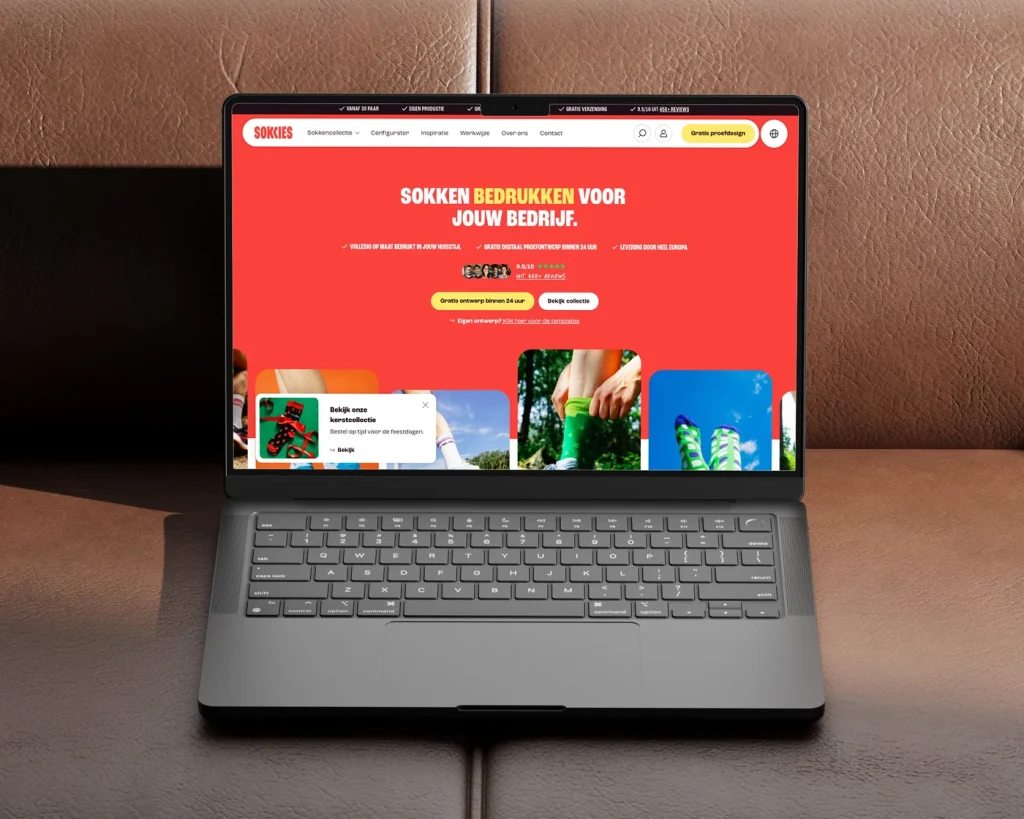
languages from day one
Webshop for custom printed socks, without a checkout
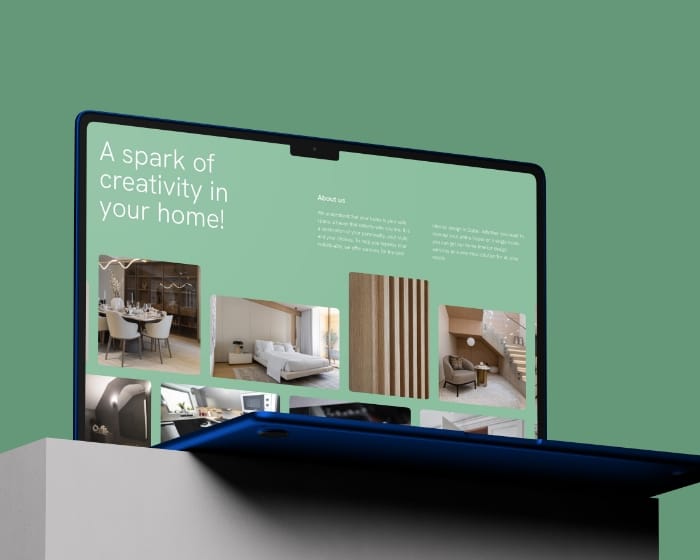
organic traffic grow in 3 months
Custom B2B WordPress website for Pine Tree Lane

average session length, up 61%
Resay: custom web application for smarter workflows
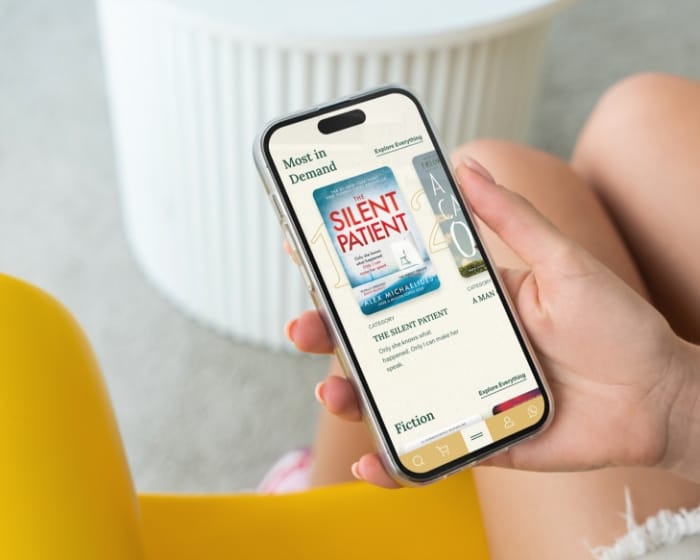
increase in monthly website visits
Book subscription website design and custom development for House of Books
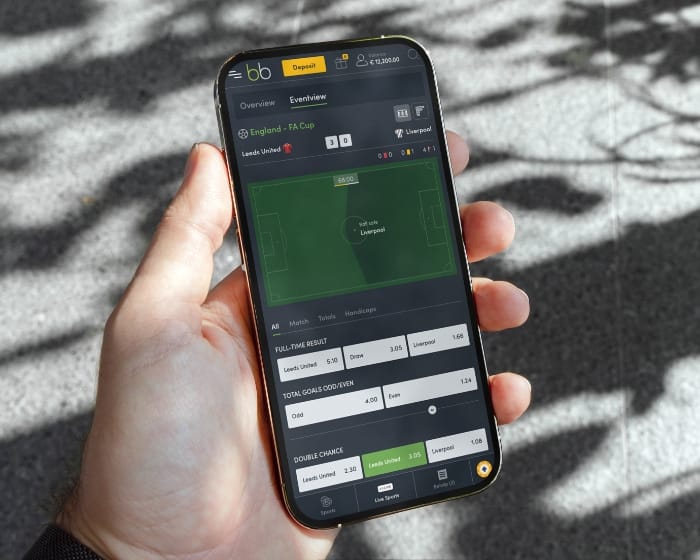
more user actions after redesign
Custom sportsbook platform UX/UI design and development
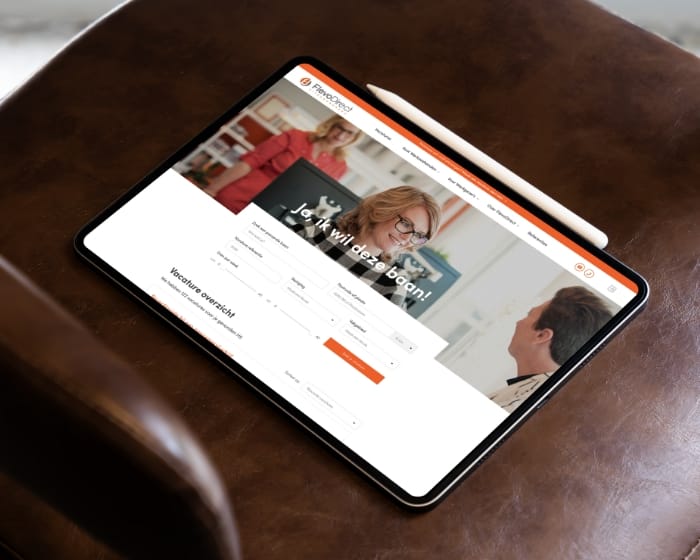
drop in job listing bounce rates
FlevoDirect: recruitment website with ATS integration
Every project runs in two-week sprints with weekly demos. The first week is discovery and decisions. The last is migration and launch. Everything in between is design, build and validate, in repeatable cycles.
01
Workshops with your editorial team, your dev team and whoever owns the channels the content publishes to. The goal is concrete: what does the current CMS make hard, what’s about to change in the next 18 months, what would success look like measured in editor hours per week and developer hours per month.
02
Content types, fields, relationships, taxonomies, roles, validation rules. The output is a content model diagram that editors can read and developers can implement. We test it against a sample of your real existing content, not a happy-path example. If the model can’t handle your messiest current content, we adjust before any code gets written.
03
REST works when channels need straightforward, well-understood endpoints. GraphQL works when channels need to query different content shapes efficiently. Hybrid setups expose both. We pick based on who actually consumes the API and how they prefer to consume it, not on which one is trendier this year.
04
Backend (Laravel, Node.js, or the headless platform you’ve picked), caching layer (Redis or CDN-side), authentication and authorisation, admin UI, public API. Each layer has clear boundaries so changes in one don’t ripple unexpectedly into others. Component-based front-end work happens in parallel.
05
Content migration scripts run into staging first. Your team reviews the migrated content for accuracy and reports anything that broke in transit. Load tests run against the API and the admin under realistic peak conditions. Editor training happens during this phase, not after launch. Anything broken gets fixed before the production migration runs.
06
Launch happens with the production migration during a planned content freeze. After launch, the CMS isn’t done. New content types get added as editorial needs change, integrations get extended, security patches and framework updates run on a planned cadence. Most clients move onto one of our support packages or a dedicated-developer retainer after launch.
FlevoDirect, University of Twente (UT), VIA Sports Experiences, Sokkies. And a few hundred other companies you might not know, but which have certainly been well served. That, on reflection, is the whole story.







Studio Ubique has been building digital products since 2012. Some of the CMS-driven work in our case studies: House of Books (custom book subscription platform), Resay (custom web application), Pine Tree Lane (B2B WordPress), FlevoDirect (recruitment WordPress with ATS integration). The pattern repeats across these: editorial workflow that fits the team, integrations that don’t break on update, code still maintainable two years later.
5.0


“Project meets my expectations, good communication with the designer.”
5.0
“Despite our delays and unclear vision, Studio Ubique delivered a flawless site with creativity, patience, and total professionalism.”
5.0
“Studio Ubique continue to do really excellent work! They are great at taking direction, but also willing to advise when ideas clash with good design. A great team to work with.”
5.0

“Fastest time ever for a premium website. Willing to make changes, always friendly and helpful - 100% recommend for start-ups and large businesses alike.”
5.0
“Great ideas, smooth communication, and a pleasure to work with, Studio Ubique made building our new website a seamless, collaborative process.”
5.0
“Creative, skilled, and budget-conscious, Studio Ubique perfectly translated our vision with care, precision, and a truly personal touch. We used to post and pray. Their paid social and landing pages now bring real sales, not just likes. Clear plan, quick execution.”
The questions that come up most often, answered here. Yours not among them? Just ask, there's a human on the other end.
In practice, “custom-built CMS” means one of three things, depending on what your team actually needs: a headless setup using an existing platform like Strapi, Directus or Sanity with custom content models and integrations, headless WordPress with custom plugins and a separate front-end (Next.js, Nuxt), or a custom Laravel or Node.js application with an admin interface that acts as a CMS for the data it manages.
Building a CMS from absolute zero (custom database schema, admin UI, content types, user management, API layer, all original code) is rarely the right choice. Off-the-shelf headless CMSes exist precisely so you don’t have to rebuild the boring parts. What we customise is everything that makes the CMS yours: the content model, the editor workflow, the integrations, the front-end, the deployment pipeline. More on the technical side in our CMS development work.
WordPress fits when content publishing dominates, when your team is comfortable in its admin, and when the integrations you need are reasonably standard. A custom-built CMS makes sense when permissions get complex, when the content model has unusual relationships, when performance demands are high, or when WordPress’s “everything is a post” model starts costing you more in workarounds than it saves in setup.
WordPress with custom plugins gets you far. We’ve built recruitment platforms, B2B sites, multilingual corporate sites and complex eCommerce on top of it. Custom usually wins when one of these is true: editors need workflows WordPress can’t model cleanly (approval chains, scheduled publishing across regions, content with non-trivial relationships), the front-end has performance demands that classic PHP rendering can’t hit, or the data is more important than the content (portal data, transactional records, structured operational information). Picking custom because it sounds more impressive almost always backfires two years later.
API-first means the CMS exposes content through a structured API (REST or GraphQL) rather than rendering pages directly. The content lives independently of where it’s displayed. Your website pulls content through the API. So can your mobile app, your in-store kiosk, your marketing automation tool, your AI search index, or any channel you haven’t thought of yet.
The practical benefit is decoupling. When the front-end changes (a redesign, a framework migration, a new channel), the content layer doesn’t have to follow. When the content model changes (new fields, new content types), the front-end can adapt independently. The trade-off is more upfront thinking about the content model and the API contracts, and slightly more moving parts to deploy. API-first works well for organisations with multiple digital touchpoints, or that know they’re heading that way. For a single-website use case, classic CMS rendering is often simpler and cheaper.
Content migration runs as a separate work block, usually after the new content model is finalised. We export from your existing CMS (WordPress, Drupal, Sitecore, AEM, Contentful, custom), map the fields to the new model, transform what needs transforming (HTML cleanup, asset path rewriting, taxonomy reconciliation), and import into the new system. Redirects from old URLs to new URLs get mapped and tested before launch so SEO doesn’t take a hit.
The trickiest part is rarely the technical export-import. It’s the editorial decisions: which old content stays, which gets retired, which gets restructured to fit the new model. We run that decision-making with your content team before the migration script runs, not after. For larger archives we do a test migration into staging first, let editors poke at it, then run the production migration during a planned content freeze.
Editors get an admin interface designed around their actual workflow, not around what the CMS framework offers by default. Content types match your real content (a “campaign” is a campaign, not a generic “post”), fields are grouped logically, validation prevents incomplete content from being published, and the preview shows what the front-end will actually render rather than a vague approximation.
For headless setups using Strapi, Directus or Sanity, we configure the admin so editors don’t see fields that don’t apply to them, set up role-based permissions that match your team structure, and add custom validation where the platform’s defaults aren’t enough. For headless WordPress, we use ACF Flexible Content (or similar) to give editors a block-based layout without the unpredictability of Gutenberg or page builders. The goal is that a new editor can publish their first piece of content within an hour of getting access, without reading documentation.
Each integration gets built with a clear contract: which events trigger which actions, what data shape is expected, how failures are reported. Authentication via OAuth or API keys is managed centrally, not scattered across endpoints. Updates to the CMS or to the integrated systems get tested in staging before production, with the integration contracts as the test cases.
The reason integrations break on every update is usually that they were stitched together with whatever worked at the time, with no clear ownership of the contract between systems. We build them with explicit input/output shapes, automated tests that run on every deploy, and monitoring that catches drift before users notice. For longer-lived clients we run a dedicated capacity model where one of our developers watches the integration layer, treating it as custom software that needs ongoing care, not a one-shot artefact.
Our hourly rate is €60-€65 across all roles (UX, frontend, backend, project management, QA), with our team split between Zwolle and Chandigarh. Custom-built CMS projects typically run €15,000 to €60,000 depending on scope, with platform-like products going higher. A headless WordPress setup with custom plugins lands at the lower end. A custom Laravel or Node.js application with multi-tenant features and complex integrations sits at the higher end.
The biggest scope variables are content model complexity (how many content types, how do they relate, how unusual are the editorial workflows), integrations (clean modern APIs are fast, older or custom internal systems take significantly longer), and migration work (a 100-page brochure site is different from a 50,000-article archive). Timelines run from 10 weeks for a focused headless WordPress build to several months for a custom platform. We scope it properly in the discovery week so you get a defensible number rather than a placeholder. Schedule a discovery call to walk through what you actually need.
After launch we offer ongoing support and maintenance through three packages: Care (4 hours per month, 24 working-hour response), Growth (8 hours per month, 8-hour response) and Partnership (16 hours per month, 4-hour response). Pricing starts at €240 per month, three-month minimum term, then monthly cancellable with one month notice.
Custom-built CMSes need ongoing attention more than off-the-shelf ones do, because there’s no vendor pushing automatic updates. We maintain the dependency tree, apply security patches, update framework versions on a planned cadence, and add new content types or admin features as your editorial needs evolve. For teams shipping regularly we run a dedicated-developer model with 40 to 160 hours per month, treating the CMS as a living product rather than a delivered artefact that gets touched once a year when something breaks.
Contact
Not everyone likes to write. Rather talk to someone first? Book a 30 to 45 minute intro call through Calendly. It's free, and by the end you'll know whether a proposal makes sense.
Book a call(opens in a new tab)Tell us what's stuck, what you want to build, or what needs fixing. We usually reply within 1-2 business days.