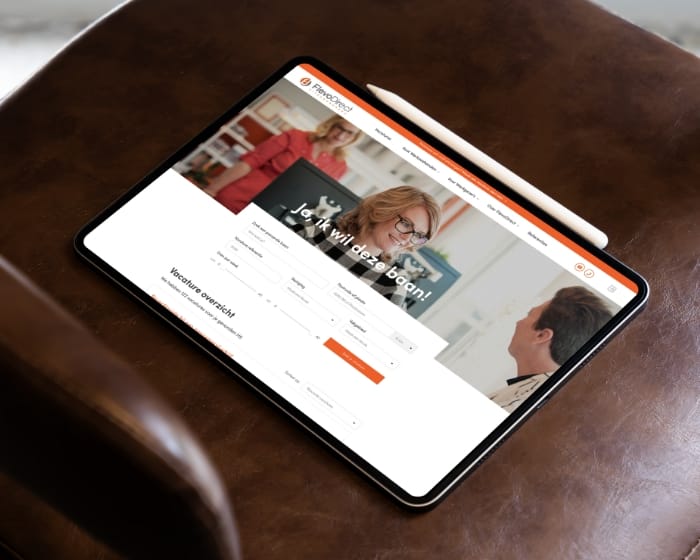
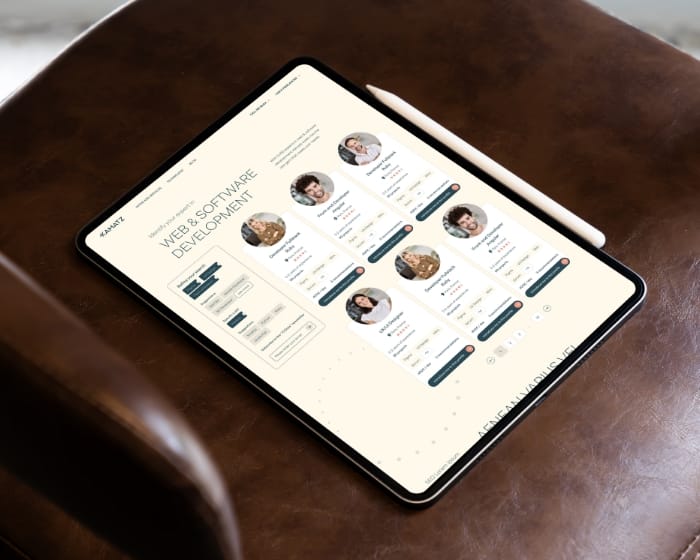
Teamtailor integration that keeps vacancies and applications in sync between Teamtailor and your careers site. WordPress or custom CMS, no manual exports.
5.0


“Collaborating with Studio Ubique proved to be an outstanding experience. Right from the start, they showcased a profound grasp of our vision for House of Books. Their dedication to excellence and innovation shone through every phase of the project. The website they developed not only met but surpassed our expectations, seamlessly blending contemporary functionality with vintage allure.”
5.0
“Project compliant with my expectations, good communication with the designer.”
5.0
“Studio Ubique did a truly outstanding job on our web design project. We had an example to point to for general look we wanted, but our product is fundamentally a lot different from the example website, a lot of differences were needed, and in many instances we really didn't have the vision of what specifically would work and needed to trust Studio Ubique to provide that vision.”
5.0
“Studio Ubique continue to do really excellent work! They are great at taking direction, but also willing to advise when ideas clash with good design. A great team to work with.”
Seen on top review platforms


If your careers pages do not match what’s in Teamtailor, candidates notice first, then recruiters. Manual exports “work” until they don’t. You end up hiring a person whose job is copying jobs.


What the build comes down to
decision drives the whole build, which system is the source of truth for jobs and status.
pipelines usually matter most, vacancy publishing and application writeback to Teamtailor.
layers keep data sane, authentication, webhook signatures, and least-privilege access.
5.0
“They're a multifaceted team, which allows us to share requirements and work with them effectively.”
5.0
“I would highly recommend Studio Ubique for any business if it looks to move into a headless CMS environment. They prioritize user experience with teams who will manage the site long-term and understand the technical side.”
5.0

“Studio Ubique rebuilt our site with a headless CMS (WordPress + Next.js). The new setup offers easy content editing, custom blocks, and a simple publishing flow. Fast, flexible, and stable, it’s perfect for our growing company.”
5.0
“Simply outstanding. I am blown away by the not only the design expertise, but also the site functionality. Worth every dollar, and I will be coming back for more business. Do not look further - you found your developer here.”

We sync jobs with the right filters, language, and publish windows, so your careers pages reflect what recruiters actually want live.

We push applications, CVs, and source tags back into Teamtailor, so recruiters work in one place, not five tabs.

We validate signatures, throttle bursts, and store only what you need, because “just log everything” is not a data strategy.

We add alerts, dashboards, and a replay queue, then maintain the integration when fields change or tokens expire.
Whether you run WordPress or a custom CMS, we’ll wire Teamtailor into your careers site and keep it stable. Migrating from Bullhorn, Recruitee, OTYS, or Cockpit, we’ll align the flow first, then build.
We’ve been building and maintaining digital products long enough to know what breaks, what scales, and what “urgent” actually means.


Studio Ubique works with startups, agencies, and mid-sized companies who want their product to work better than their competitors’ excuses. Since 2012, with clients across 15+ countries.
5.0
“Studio Ubique brought our vision to life with skill, passion, and precision, our website now truly reflects the soul of House of Books.”
5.0
“Despite our delays and unclear vision, Studio Ubique delivered a flawless site with creativity, patience, and total professionalism.”
5.0
“Fastest time ever for a premium website. Willing to make changes, always friendly and helpful - 100% recommend for start-ups and large businesses alike.”
5.0
“Creative, skilled, and budget-conscious, Studio Ubique perfectly translated our vision with care, precision, and a truly personal touch. We used to post and pray. Their paid social and landing pages now bring real sales, not just likes. Clear plan, quick execution.”
5.0
“From rebranding to web design, Studio Ubique has been a key partner, proactive, efficient, and always exceeding expectations with clear, seamless communication.”
5.0
“Studio Ubique understood our vision, responded fast to feedback, and kept the AGN website redesign smooth and efficient. A seamless, goal-driven collaboration from start to finish.”
The questions that come up most often, answered here. Yours not among them? Just ask, there's a human on the other end.
The two pipelines that matter for most setups: vacancy publishing (jobs, departments, locations, and statuses flow from Teamtailor to your careers site) and application writeback (candidates apply on your site, and the application, CV, and source tag land back in Teamtailor). Beyond that, you can sync team and colleague data for “meet the team” pages, employer-brand content blocks, and candidate pipeline statuses if your careers site shows application progress.
What’s worth syncing depends on where you want the source of truth to live. For most companies, Teamtailor owns vacancies and candidate data, and the careers site is a presentation layer. Some companies want richer content on the careers site than Teamtailor holds (custom job descriptions, video, department storytelling), so the site owns the content layer and Teamtailor owns the structured data. We decide that split in the first phase, before any code, because it changes the whole integration design.
Both, for different jobs. The API is for pulling and pushing data on demand: fetching the current list of vacancies, pushing an application back, reconciling state during a full sync. Webhooks are for reacting to changes the moment they happen: a vacancy gets published, a job closes, a status changes. Without webhooks, your site only updates when a scheduled sync runs, so a job closed at 09:00 might still show until the next cron at 12:00.
The reliable pattern combines them: webhooks for fast updates, plus a periodic full sync via the API as a safety net for any webhook that got missed (network blip, downtime, deploy). We add signature verification so only genuine Teamtailor events are processed, idempotency so a duplicate webhook does not create duplicate records, and a replay queue so missed events can be reprocessed. Webhooks alone are fragile. API polling alone is slow. The combination is what holds up.
Both. On WordPress, we build the integration as a custom plugin rather than relying on a generic third-party connector, so the field mapping, sync rules, and error handling match your actual setup instead of a one-size-fits-all template. Vacancies become a custom post type with the right taxonomy for departments and locations, which means your existing theme, search, and filtering work on job listings without extra plugins.
On custom-built sites (Next.js, Laravel, a bespoke CMS), the integration lives in the application layer with the same components: field mapping, vacancy sync, application writeback, webhook handling, monitoring. The transport and logic are the same regardless of platform. What changes is where the synced data is stored and how the front-end renders it. We confirm the platform details in the first call so the scope reflects your actual stack.
Hourly rate is €60-€65 across all roles. A standard Teamtailor integration (vacancy sync plus application writeback, webhooks, monitoring, on an existing WordPress or custom site) typically runs €5,000 to €12,000. Projects move toward the higher end when there are extra requirements: multi-language vacancy content, multiple Teamtailor accounts feeding one site, custom application forms with conditional logic, or a careers site that needs to be built or rebuilt alongside the integration.
Timelines run 3 to 6 weeks for a standard integration on an existing site, from kickoff to live. The field-mapping and ownership phase takes the first week, the build and webhook setup takes 2 to 3 weeks, and testing against real payloads plus monitoring setup takes the last week. If the careers site itself needs design and build work, that runs as a separate track. Schedule a discovery call to walk through your specific scope.
Yes. We’ve worked with migrations from Bullhorn, Recruitee, Otys, Cockpit, and other ATS systems. The integration work itself is similar regardless of which ATS you’re leaving, but the migration adds two things: making sure the careers site keeps working during the cutover, and preserving SEO equity on existing job-related URLs so rankings and indexed pages do not break.
The approach: we align the new Teamtailor data flow first, build and test the integration in parallel with your existing setup, then cut over in a controlled window rather than a hard switch. Old job URLs get mapped to the new structure with 301 redirects so search engines and any backlinks keep working. If the old ATS had a careers widget or iframe embed, we plan how to replace it without a content gap. Worth flagging in the first call if your current careers pages bring in candidates through organic search, because that changes the migration plan.
Integrations do not finish, they either keep running or they slowly rot. Teamtailor updates its API, your team adds a new department or a custom field, an access token expires, a webhook endpoint changes during a site update. Any of these can break a sync quietly, and without monitoring nobody notices until a recruiter asks why a job is missing.
We hand over the integration with logging you can actually read, alerts that reach the right person, and a replay queue for missed events. For ongoing peace of mind, our website support packages (Care, Growth, Partnership) cover monitoring and maintenance: when Teamtailor changes something or a new field needs mapping, it gets handled on a maintenance cadence instead of becoming an emergency. For teams that prefer to maintain it in-house, we document the setup thoroughly enough that your developers can take it over.








Book a quick 30 min video call, we will show you exactly what to fix. We reply within 24 hours.