Traditional CMS setups tie your content to the website’s templates. If you launch a mobile app, you rebuild the content layer. If you add a kiosk, customer portal, or partner site, you rebuild again. Headless setups separate the content (your articles, products, media, structured data) from the channels that display it. One source of truth, multiple front ends, no copy-paste between systems.
Studio Ubique picks the stack that fits your roadmap and team: Strapi (open source, self-hostable, developer-friendly), Sanity (real-time editing, strong content modelling), Contentful (enterprise-grade, expensive), Kontent (mid-market, structured editing), Storyblok (visual editor focus), Hygraph (GraphQL-native), or headless WordPress (when editorial UX of WP matters and you want a familiar admin). Each comes with its own trade-offs in pricing, editor experience, and developer ergonomics, covered in the FAQ below.





Heavy themes and plugin stacks slow page loads, especially when many plugins inject scripts on every render. The headless approach serves content as JSON through REST or GraphQL, with a separate front-end stack (React, Next.js, Vue, Nuxt) optimised for performance. Page load times typically drop 40 to 70 percent compared to traditional WordPress setups, depending on what the original site was doing.
Editors work in the CMS admin without code changes for content updates. Add a new article, update a product description, change a hero image, all without involving developers. Developers stay involved for structural changes (new content types, new sections, new integrations) but not for routine content updates that should be self-service.

Adding a mobile app, a customer portal, a partner site, or a kiosk normally means rebuilding the content layer for each one. With a headless setup, the same CMS feeds all channels through its APIs. Each new channel needs a new front end (which is real work), but the content layer stays unchanged. Adding the second or third channel is significantly cheaper than the first.
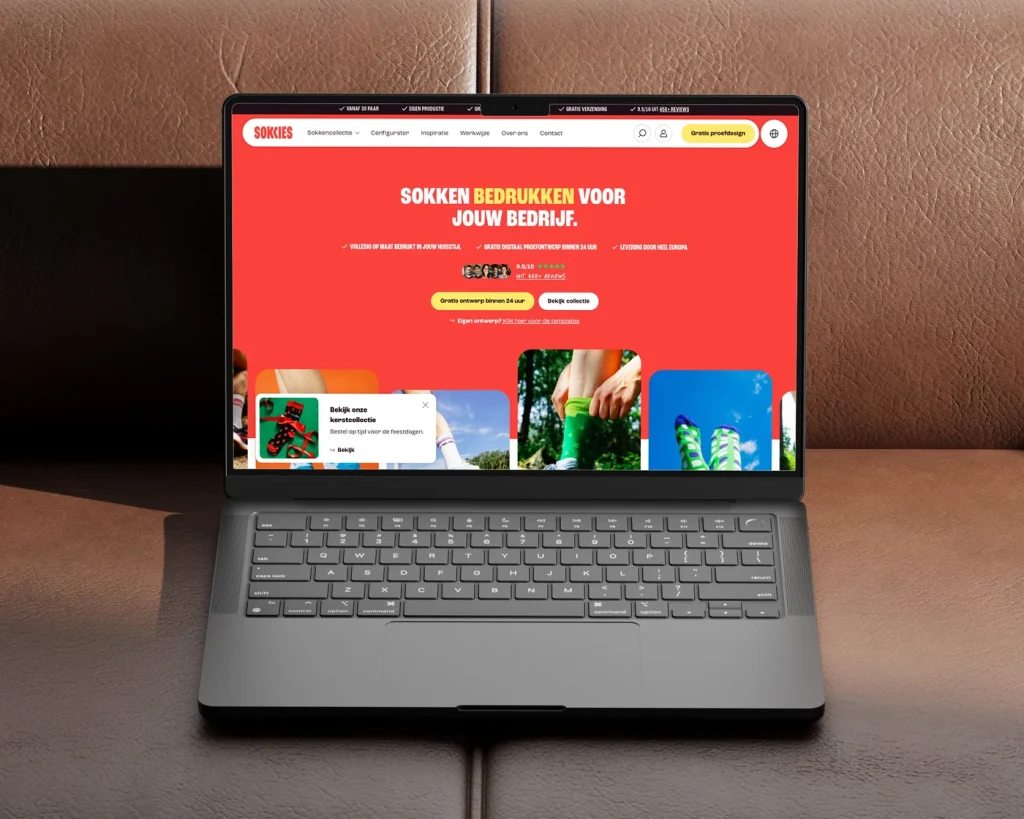
languages from day one
Webshop for custom printed socks, without a checkout
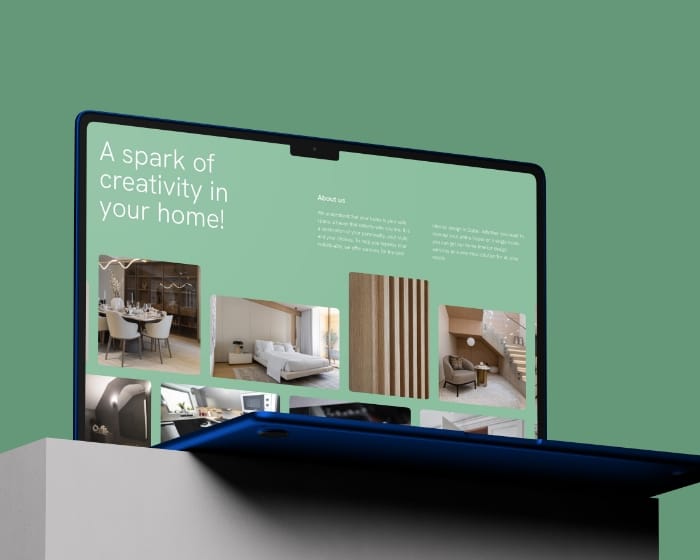
organic traffic grow in 3 months
Custom B2B WordPress website for Pine Tree Lane
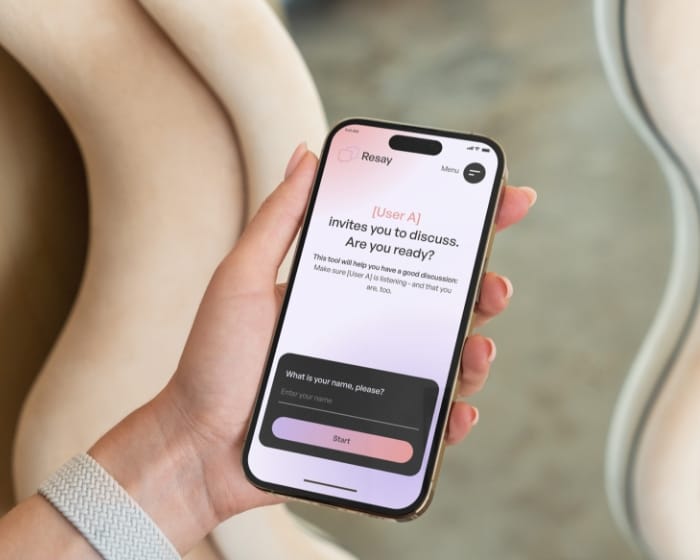
average session length, up 61%
Resay: custom web application for smarter workflows
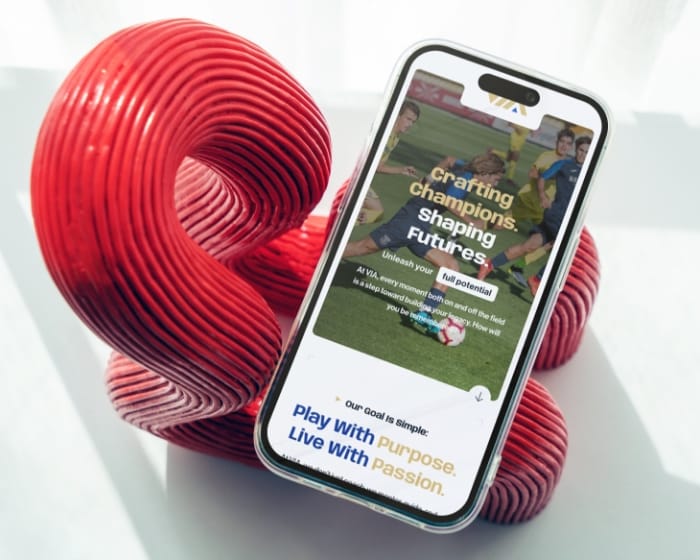
more user engagement after redesign
Sports travel website design and WordPress development for Via Sports Experiences
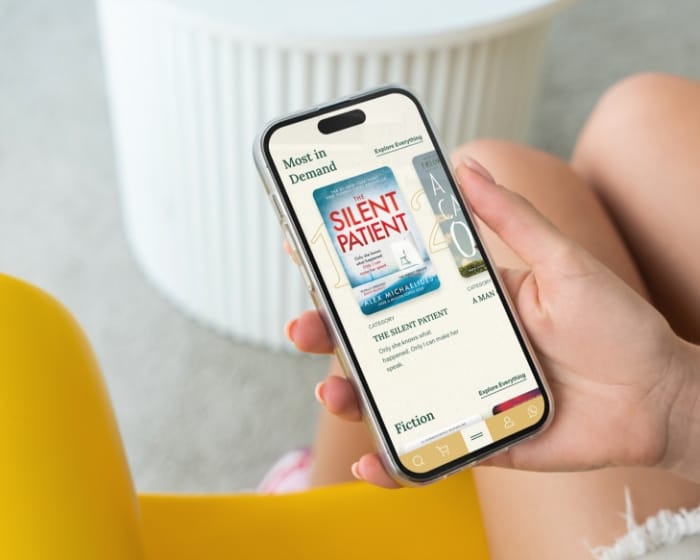
increase in monthly website visits
Book subscription website design and custom development for House of Books
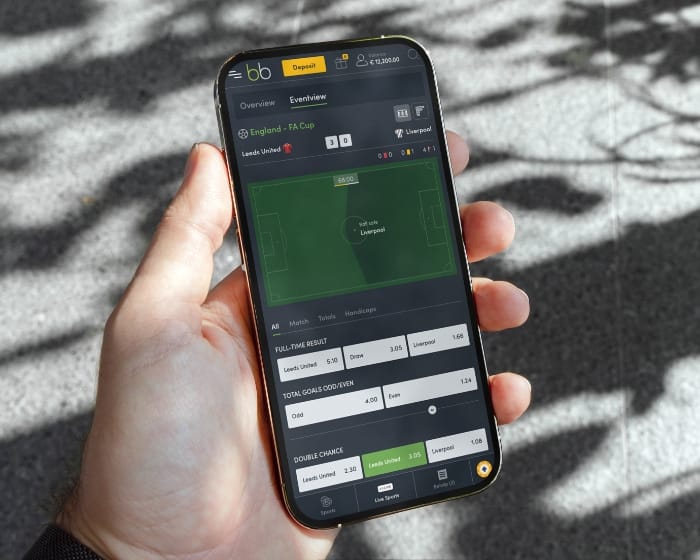
more user actions after redesign
Custom sportsbook platform UX/UI design and development
Six steps for a headless CMS project, scaled to project size. A €15.000 small headless migration moves through these faster than a €60.000 multi-channel build, but both follow the same shape.
01
We map every content type, field, asset, and editorial workflow currently in use, plus the channels that need to consume it. Output: a structured content audit document, a recommended content model, and a list of what needs migrating versus what should be rebuilt or retired.
02
We compare CMS options (Strapi, Sanity, Contentful, Kontent, Storyblok, Hygraph, headless WordPress) on the factors that actually matter for your project: editor experience, content modelling flexibility, API ergonomics, hosting model (self-hosted versus SaaS), pricing at your content volume, multi-language support, and team familiarity with the underlying technology. The recommendation is documented with rationale, not just “use this one”.
03
Content types, fields, relationships between types, validation rules, and editor workflows. Done well, the content model lets editors find and update content without help. Done badly, it becomes a maze where nobody knows where a particular piece of copy lives. We design with the editor’s daily workflow as the primary constraint, not the developer’s data structure preferences.
04
We configure API endpoints (REST, GraphQL, or both depending on the CMS and frontend needs), set up authentication and authorisation patterns, implement caching where it pays back, and document the API contracts so future developers (yours or ours) can extend the integration without reading minds. Webhooks for content publication events get configured here too.
05
We build the front end in React, Next.js, Vue, Nuxt, Astro, or whatever framework fits the project. The front end pulls content via API, renders pages (server-side, client-side, or static depending on SEO and performance needs), and handles the SEO concerns specific to headless setups: structured data, meta tags, dynamic routes, sitemap generation, and proper rendering for crawlers.
06
After launch we add new content types as your editorial needs evolve, extend integrations as new channels come online, set up monitoring for API performance, and adjust caching and CDN configuration as traffic patterns become clearer. Multi-language and multi-locale work typically happens here once the core stack is stable.
FlevoDirect, University of Twente (UT), VIA Sports Experiences, Sokkies. And a few hundred other companies you might not know, but which have certainly been well served. That, on reflection, is the whole story.







Studio Ubique works on headless CMS projects for content-heavy sites, multi-channel publishers, and product teams who outgrew traditional WordPress. The cleaner the content model at the start, the easier the next three years become. Specific case studies and reference clients available under NDA on request.
5.0


“Project meets my expectations, good communication with the designer.”
5.0
“Despite our delays and unclear vision, Studio Ubique delivered a flawless site with creativity, patience, and total professionalism.”
5.0
“Studio Ubique continue to do really excellent work! They are great at taking direction, but also willing to advise when ideas clash with good design. A great team to work with.”
5.0

“Fastest time ever for a premium website. Willing to make changes, always friendly and helpful - 100% recommend for start-ups and large businesses alike.”
5.0
“Great ideas, smooth communication, and a pleasure to work with, Studio Ubique made building our new website a seamless, collaborative process.”
5.0
“Creative, skilled, and budget-conscious, Studio Ubique perfectly translated our vision with care, precision, and a truly personal touch. We used to post and pray. Their paid social and landing pages now bring real sales, not just likes. Clear plan, quick execution.”
The questions that come up most often, answered here. Yours not among them? Just ask, there's a human on the other end.
Headless CMS projects typically sit between €15.000 and €60.000 depending on scope. A small migration from traditional WordPress to a headless setup with a basic Next.js or Nuxt frontend runs €15.000 to €25.000. A standard build with multiple content types, multi-language support, and a custom frontend lands between €25.000 and €45.000. Complex multi-channel setups (web plus mobile app plus customer portal sharing the same CMS) run €40.000 to €80.000+ depending on how many channels and how custom the integrations need to be. Hourly rates run €60 to €65 across all engineering and design roles. CMS platform fees sit separately and go directly to the platform (Sanity, Contentful, Kontent, Storyblok all charge monthly), while open source options (Strapi, headless WordPress) only need hosting costs. Our pricing page covers the broader rate structure.
Honest answer: depends on five things. First, hosting preference. Self-hosted (Strapi, headless WordPress) gives full control plus ongoing maintenance responsibility. SaaS (Sanity, Contentful, Kontent, Storyblok, Hygraph) shifts hosting and uptime to the vendor at the cost of a monthly subscription. Second, editor experience priority. Sanity and Storyblok lead on real-time editing and visual editing. Contentful and Kontent feel more structured. Strapi and headless WordPress feel more like traditional CMS admins. Third, content volume and team size. SaaS pricing scales with content and users, often dramatically (Contentful at large scale becomes expensive fast). Self-hosted scales with hosting cost only. Fourth, team familiarity. If your team already knows WordPress, headless WordPress reduces the learning curve. If you’re comfortable starting fresh, Sanity or Strapi offer cleaner modern architectures. Fifth, lock-in tolerance. SaaS means migrating off later is genuinely hard. Self-hosted means you can move the data anywhere. We make the recommendation based on these factors during scoping, not by religion.
Honest answer: many sites should stay on traditional WordPress. The headless path makes sense when: you need to feed multiple channels from one content layer (web plus app plus partner site), performance is a hard requirement that traditional WP plus plugins can’t meet, you’ve outgrown the WordPress admin’s content modelling capabilities, or your developers prefer working in modern frontend frameworks rather than PHP. The headless path is not worth it when: your site is content-heavy but single-channel, your editors are comfortable with WordPress and don’t need richer modelling, your performance issues are caused by hosting or specific plugins rather than the WordPress architecture itself, or you don’t have the budget for the rebuild work. WordPress with proper plugin discipline, caching, and a fast host serves most marketing sites perfectly well. Headless is the right call when there’s a concrete reason to leave, not as an upgrade for upgrade’s sake.
Standard migration path. First, content export: extract posts, pages, taxonomies, media, custom fields, and metadata from WordPress (typically via the WP REST API, WP-CLI, or direct database export). Second, content model translation: WordPress’s flexible post-and-meta structure needs mapping to the new CMS’s stricter content types. Some manual restructuring is usually required, this is often where headless projects spend more time than expected. Third, media migration: images, PDFs, and other assets move to the new CMS’s media handling (or to a separate CDN like Cloudinary, Mux, or a custom storage bucket). Fourth, URL preservation: existing URLs need to map to the new frontend’s routing, with proper 301 redirects to preserve SEO. Fifth, redirects and SEO: meta data, schema markup, sitemap structure all need migrating accurately or rebuilt. Typical migration timeline: 3 to 8 weeks for moderately complex sites, longer for sites with extensive content history or unusual custom post types. Our case studies show specific migrations in production.
Done right, headless setups perform as well as or better than traditional WordPress for SEO. Done wrong, they can lose significant ranking. The key SEO concerns specific to headless: rendering strategy (Google indexes server-rendered or pre-rendered pages reliably, client-side-only React apps risk indexation issues), meta tag and schema markup management (the CMS needs to control meta titles, descriptions, Open Graph tags, and structured data per page, not just the body content), URL routing (the frontend needs proper canonical URLs, no trailing slash inconsistencies, predictable URL structure), sitemap generation (the frontend needs to generate and update sitemaps automatically as content changes), and page speed (often improved with headless but needs verification on Core Web Vitals after launch). Migration projects specifically need careful 301 redirect mapping from old URLs to new ones, plus crawl verification after launch. Our SEO services include the technical SEO work specific to headless setups.
Depends entirely on which CMS you pick. The editor experience differs more between headless CMS platforms than the developer experience does. Sanity has real-time collaborative editing similar to Google Docs, with a customisable Studio interface. Storyblok offers visual editing where editors see the page rendered in real-time as they edit (closest experience to traditional WordPress). Contentful and Kontent feel more structured and form-based, fine for editors comfortable with structured content but less familiar for editors used to WordPress. Strapi’s admin is functional but less polished than the SaaS options. Headless WordPress keeps the familiar WordPress admin while serving content headlessly to the frontend, which is the easiest editor migration but adds operational complexity. We typically run a 30-minute editor demo with your content team during the stack selection phase so they have a voice in the decision, since they’re the ones living with it daily.
Three pieces to host, each with options. First, the CMS itself. SaaS options (Sanity, Contentful, Kontent, Storyblok, Hygraph) are hosted by the vendor, so you pay subscription fees but don’t manage infrastructure. Self-hosted options (Strapi, headless WordPress) run on your hosting, typically on a VPS, container platform, or managed service like Cloudways, DigitalOcean, AWS, or Google Cloud. Second, the frontend. Static sites (Next.js with static export, Astro, Nuxt with prerender) deploy to Vercel, Netlify, Cloudflare Pages, or AWS Amplify, usually with generous free tiers for small sites. Server-rendered frontends (Next.js with SSR, Nuxt with SSR) need running servers, typically on Vercel, AWS, or similar platforms. Third, media storage. The CMS may host media (Sanity, Contentful, Storyblok include CDN), or a separate service handles it (Cloudinary, Mux for video, Cloudflare Images, AWS S3 plus CloudFront). Studio Ubique handles all three under managed support tiers or works alongside your existing DevOps team. Our maintenance and support page covers ongoing infrastructure management.
Contact
Not everyone likes to write. Rather talk to someone first? Book a 30 to 45 minute intro call through Calendly. It's free, and by the end you'll know whether a proposal makes sense.
Book a call(opens in a new tab)Tell us what's stuck, what you want to build, or what needs fixing. We usually reply within 1-2 business days.