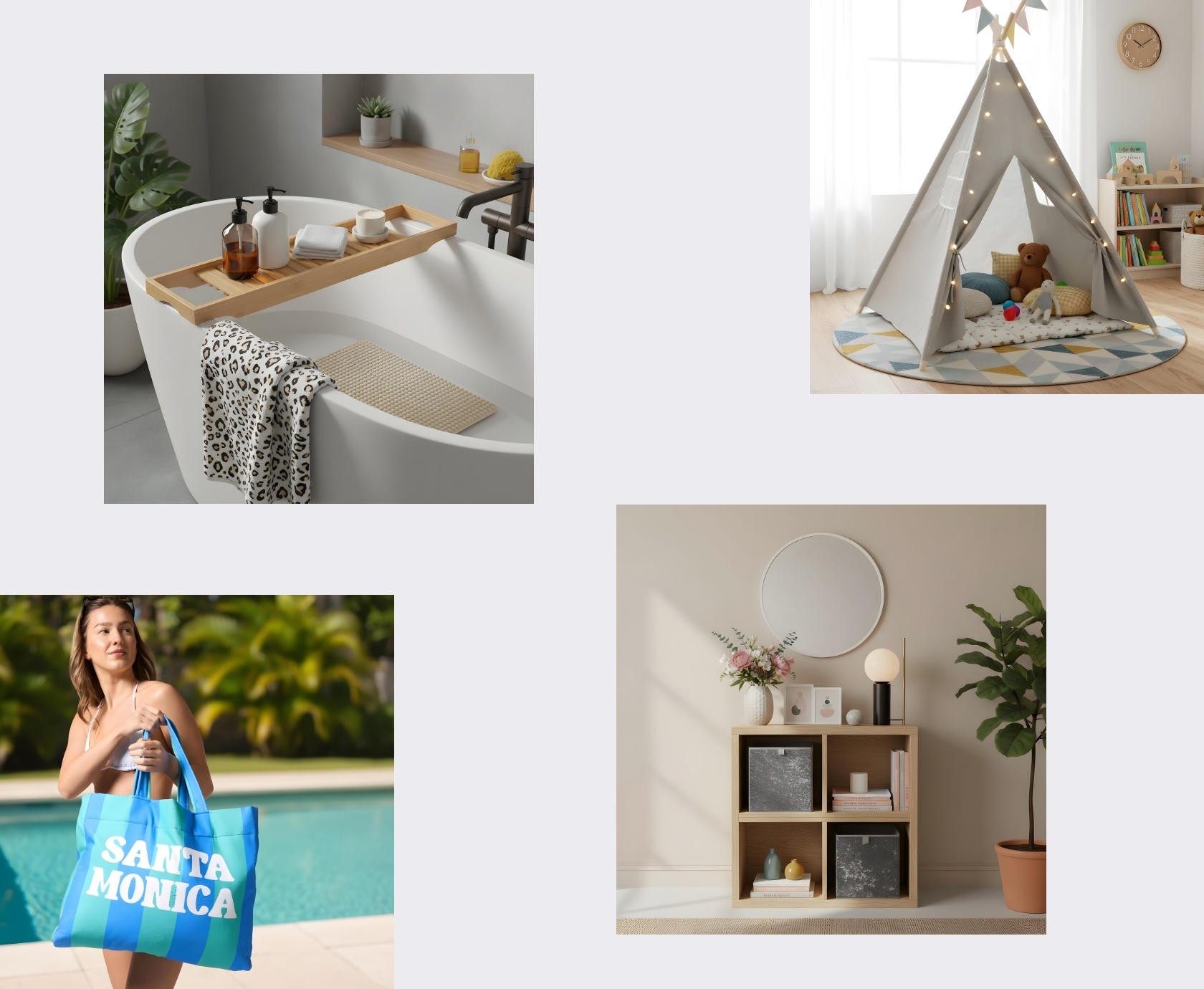
Most ecommerce brands have the same photo setup: a studio, a clean background, and a folder full of perfectly lit products. That’s the sensible part.
Then reality shows up.
Because packshots are only half the job. People don’t buy “a product on white”. They buy the version of themselves using it, wearing it, storing it, gifting it, dragging it to the beach, or stuffing it in a suitcase at 5am while questioning their life choices.
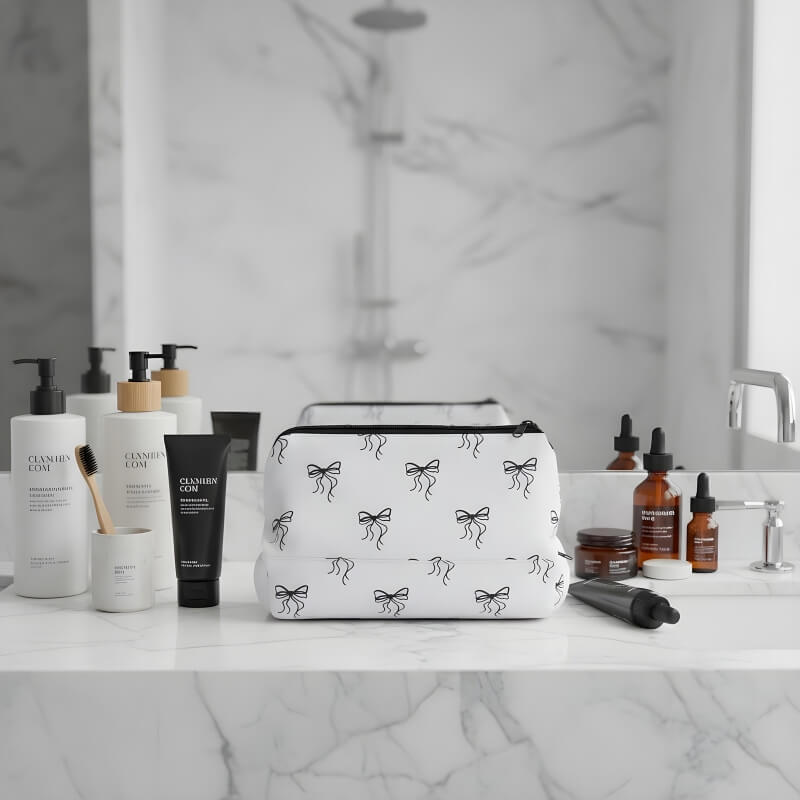
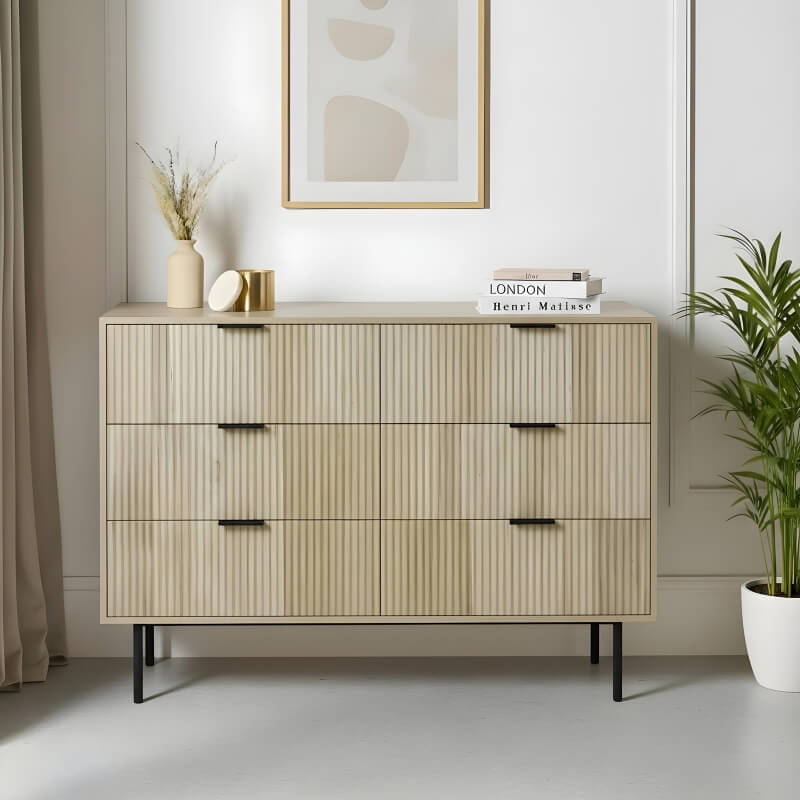
That’s where AI in-situ product images for ecommerce become useful. Not as a gimmick, and not as a “let’s see what the robot spits out today” hobby. Useful as a repeatable content engine.
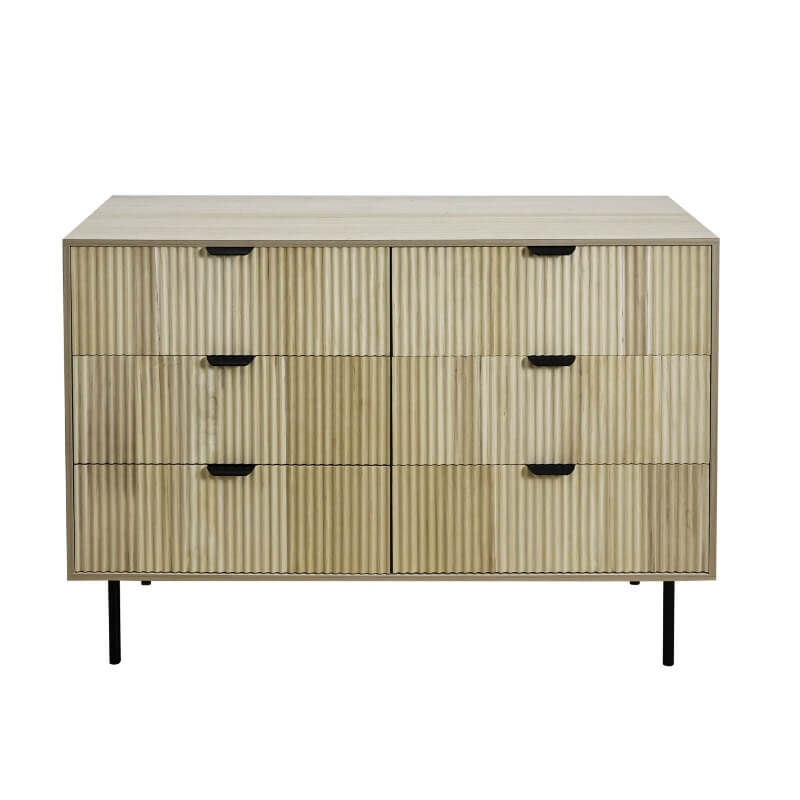
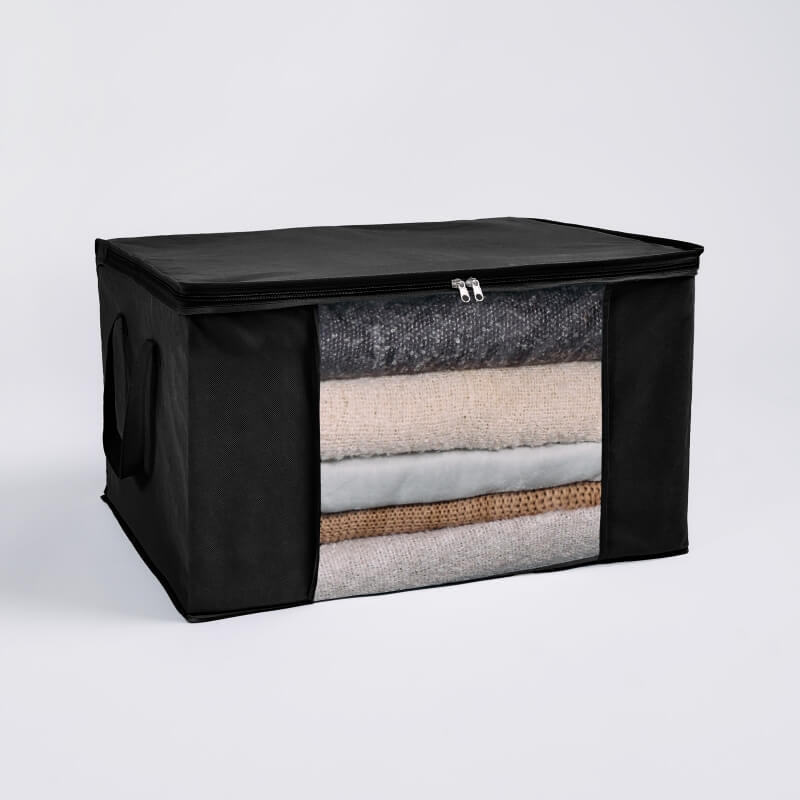
OHS, Online Home Shop in the UK, sends studio photos of their products. Our job is to turn those into consistent, brand-safe lifestyle scenes, in volume, without the output looking like a fever dream.
We do it by treating AI imagery like production: templates, scene rules, prompt logic, quality control, and batch delivery.
This case study shows how we built that workflow, what we actually did, and why it works.
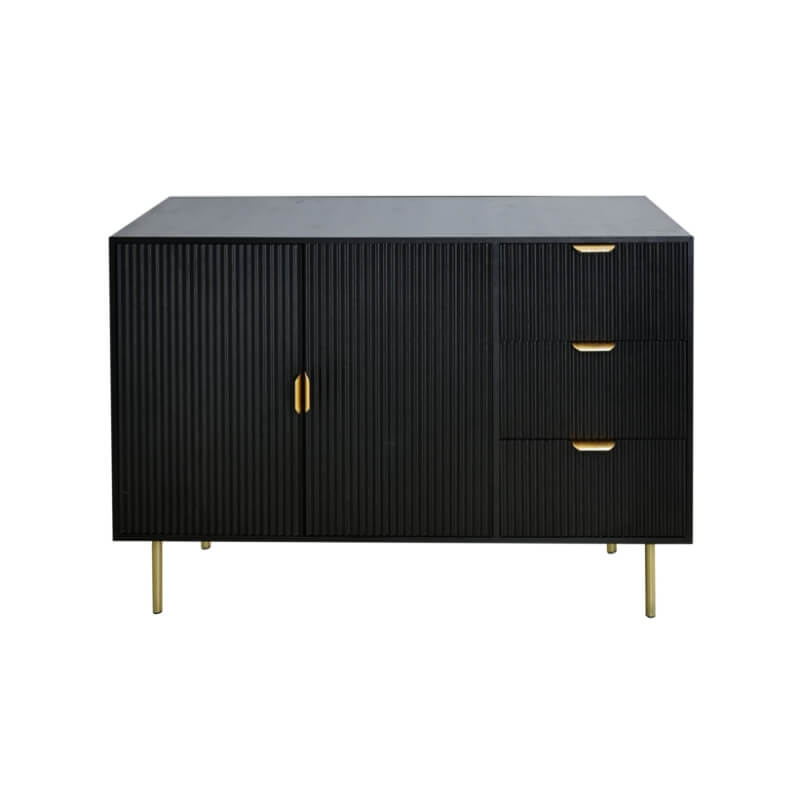
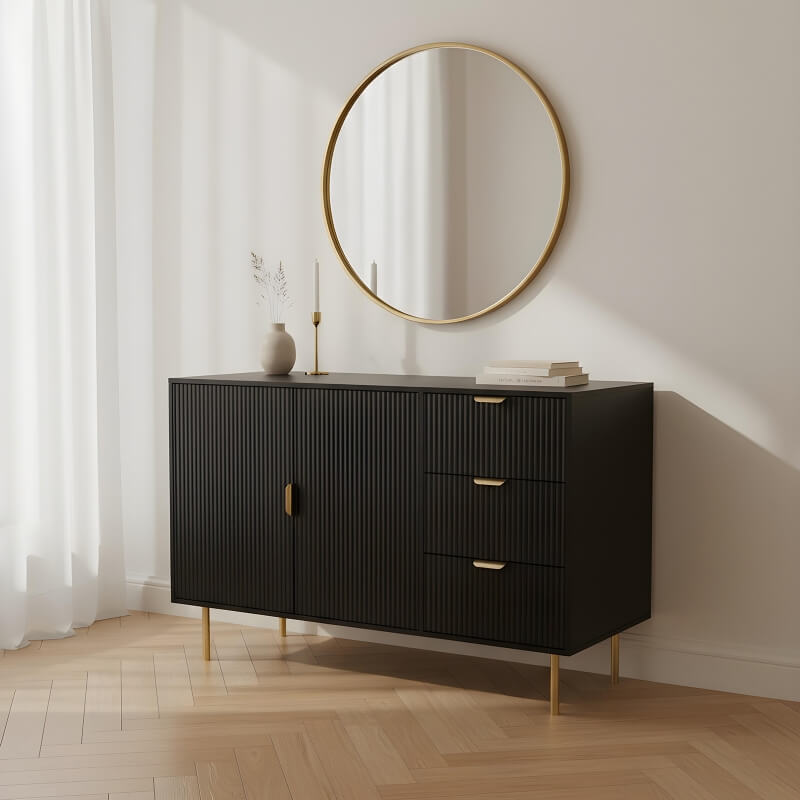
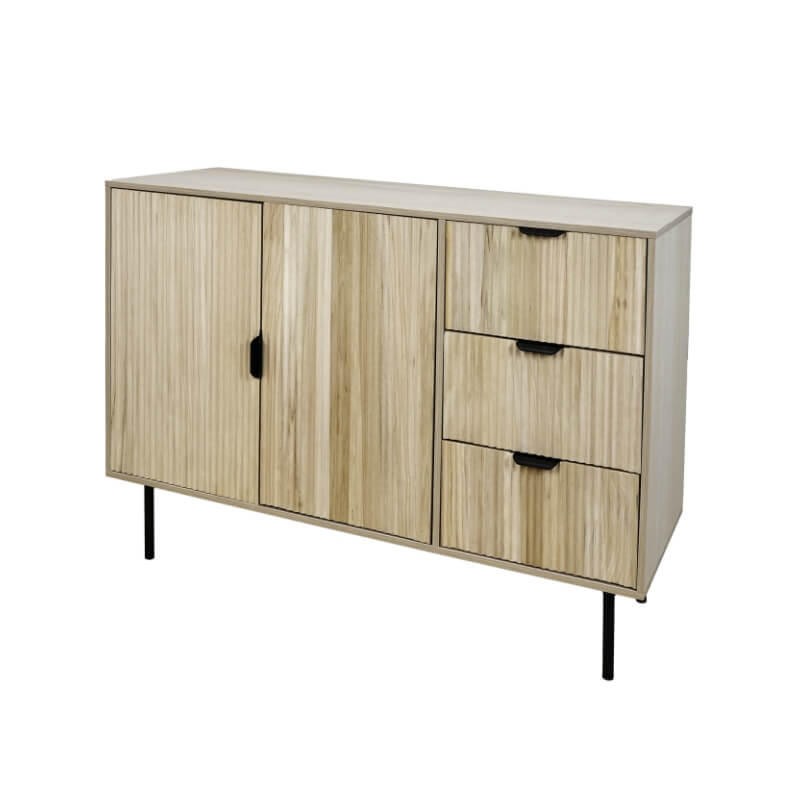
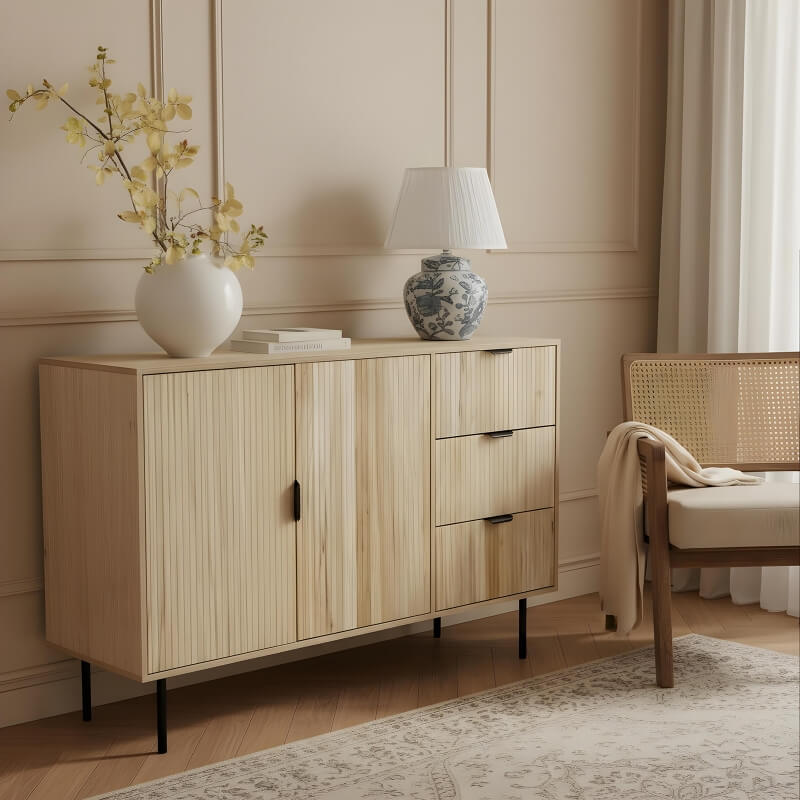
Packshots are often called packshots for a reason: they show the product clearly, usually isolated, often on a white background, with minimal distractions.
They’re essential for ecommerce, but they don’t answer the questions people have in their head:
Lifestyle product photography exists to answer those questions by showing products in context.
The problem is that lifestyle shoots cost money, take time, and don’t scale nicely when you have lots of SKUs, seasonal launches, or multiple categories.
OHS needed more in-situ content across product lines, without planning a new shoot for every single scenario.
But AI doesn’t magically solve that on its own. In practice, most teams hit the same walls:
So the challenge wasn’t “can we generate in-situ images”. The challenge was can we generate them consistently, in volume, in a way that holds up on a product page.
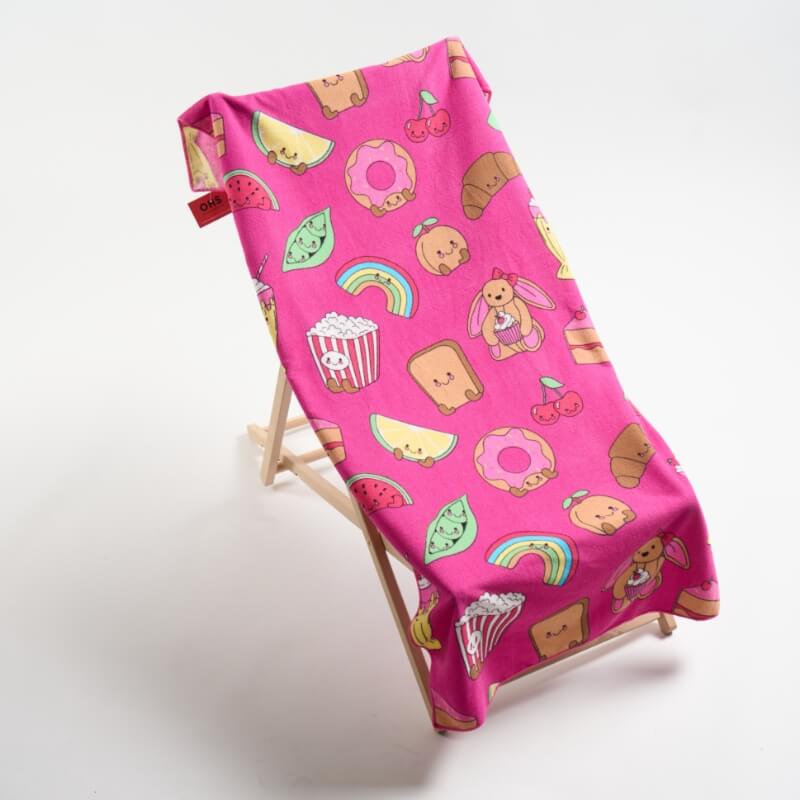
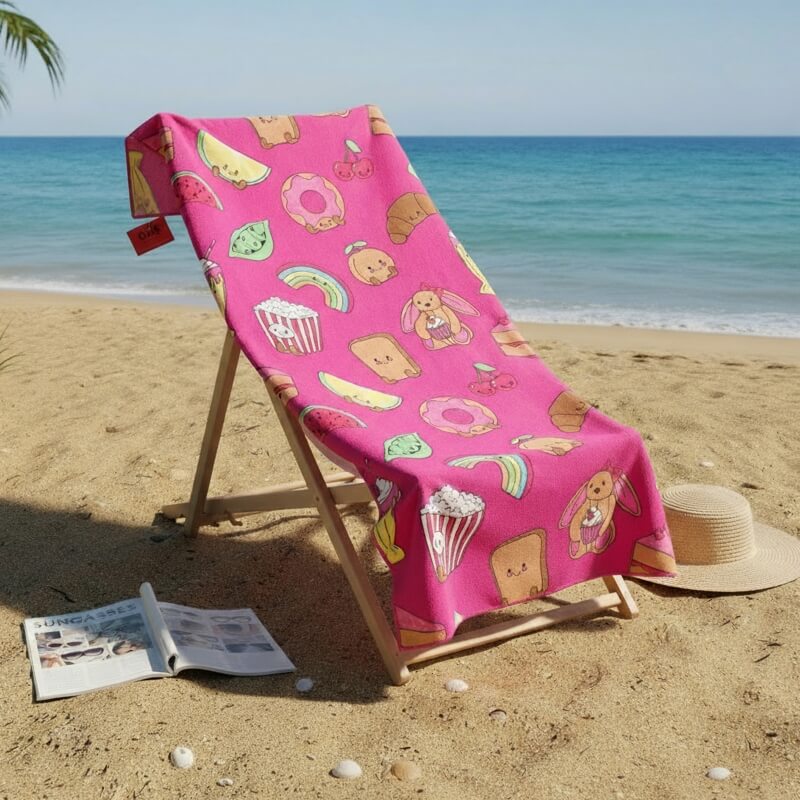
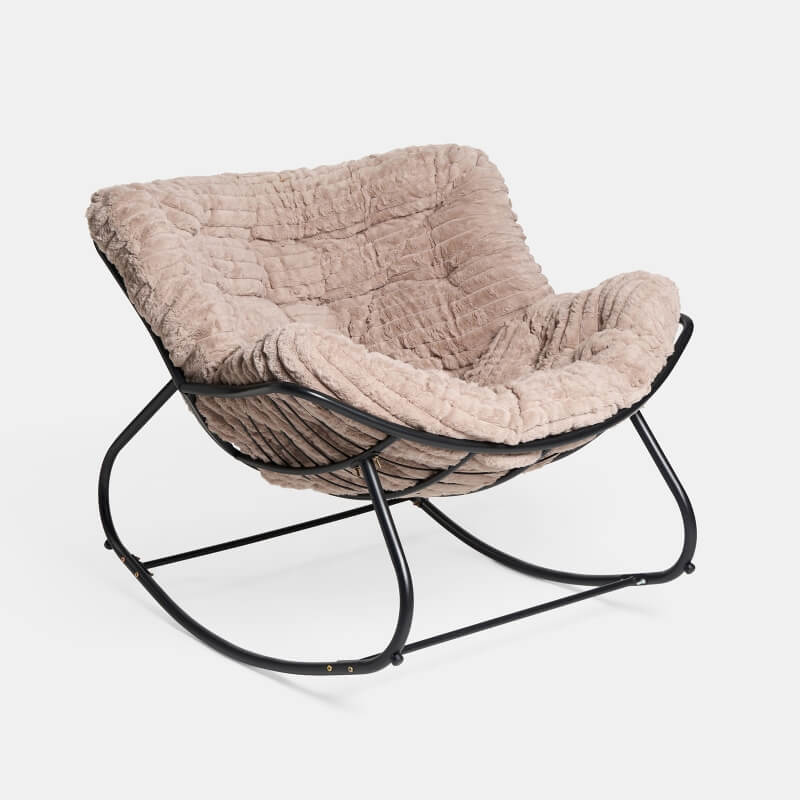
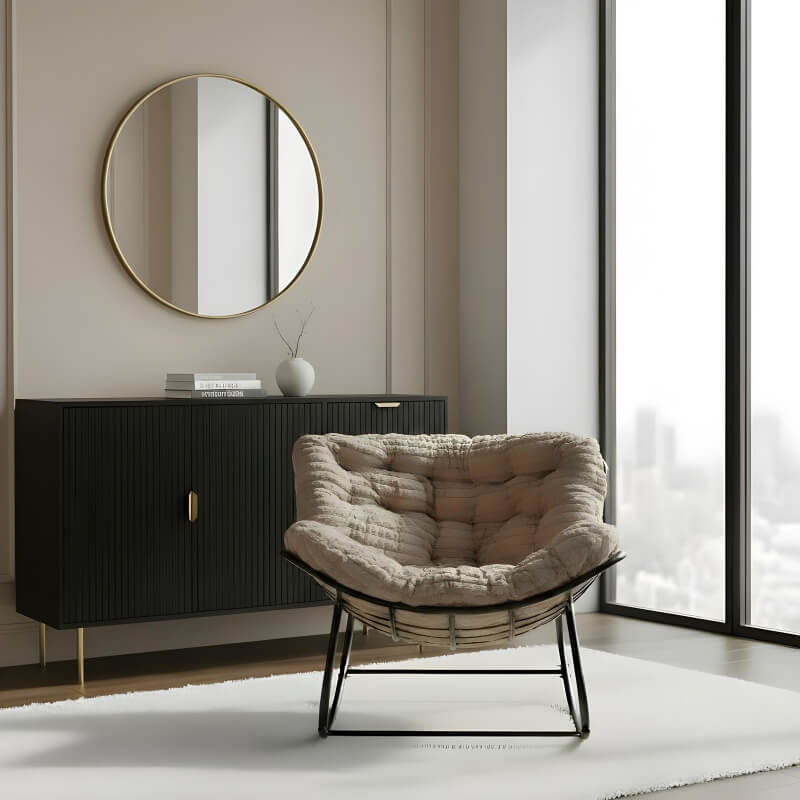
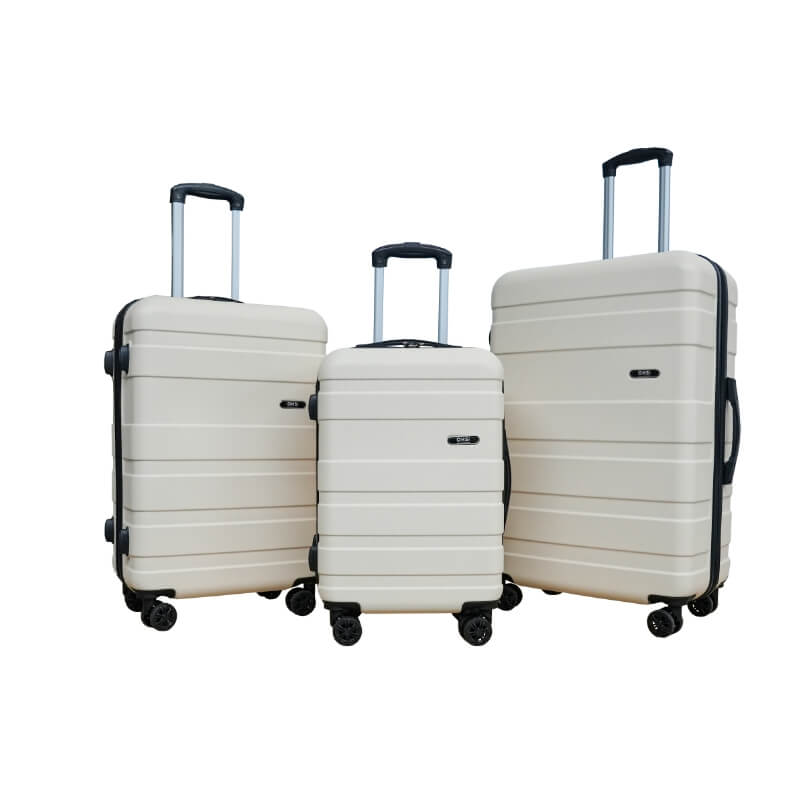

We built a workflow that’s boring in the right way.
Instead of treating each image like a creative brainstorm, we worked with a structured template: three studio shots mapped to three in-situ outputs per product set.
That template approach does three things:
Then we built a scene library based on product categories. For example, in your beach and travel briefs, the scenes aren’t random. They’re specific and repeatable:
Those scene archetypes matter because ecommerce doesn’t need infinite creativity. It needs usable variation that still feels like the same brand.
So we combine:
Here’s how we run it in practice.
1) Intake and constraints
We start with the studio photos and define what cannot change:
This sounds obvious, but “obvious” is where AI usually breaks first.
2) Scene planning
We pick three scene types that make sense for the category.
For beach and travel, that often means a mix of:
3) Prompt build
We build a base prompt that defines:
Then we add product-specific modifiers, so a towel doesn’t get treated like a storage bag, and a bedding texture doesn’t become plastic.
4) Batch generation and selection
We generate images in batches, so you can compare variations side by side and choose the strongest options fast. Each batch explores controlled changes like angle, lighting, styling props, background, and crop, while keeping the product consistent.
After your selection, we:
We also save the prompts and settings behind the selected images, so we can repeat the look for the next products without reinventing the wheel every time.
5) QA and cleanup
We run a reject list. Typical reasons:
If it fails the rules, it doesn’t ship.
6) Delivery and library building
We deliver in organised batches with naming conventions, and we keep an internal “approved scene library” so future batches stay consistent.
That’s how you go from “nice one-off” to “repeatable content production”.
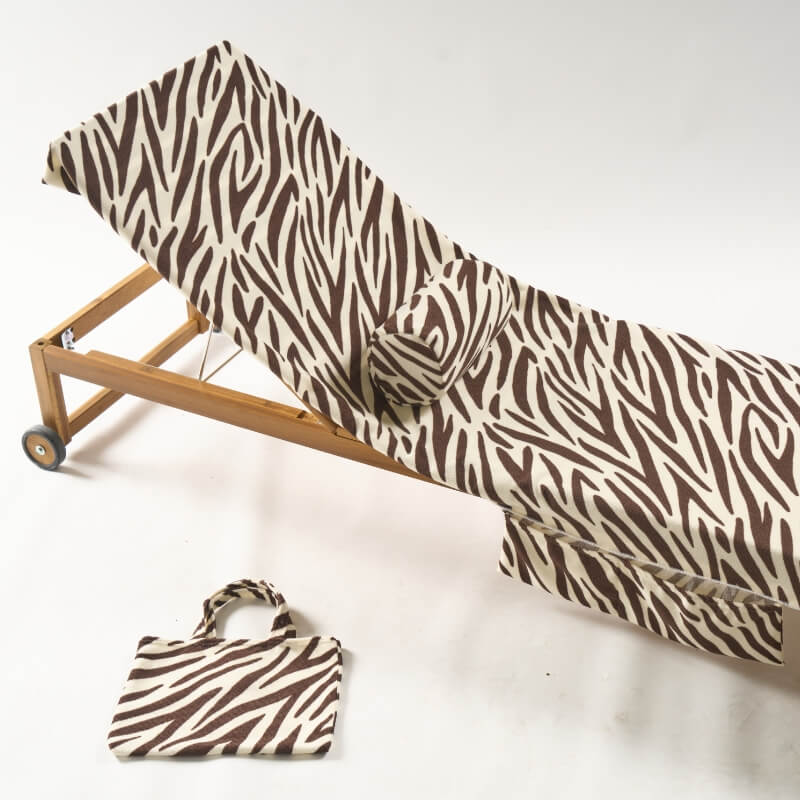
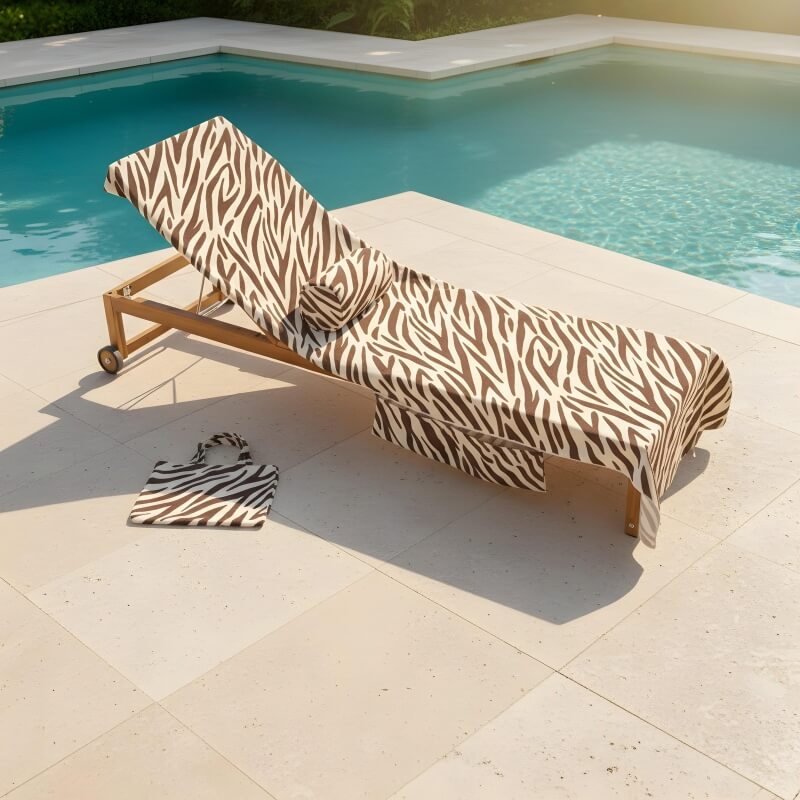
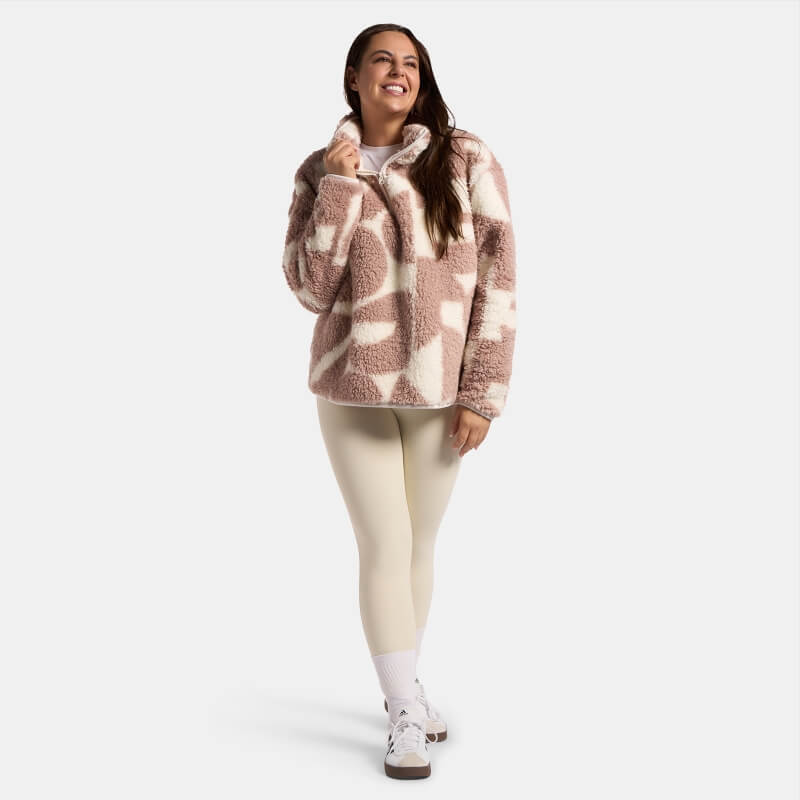
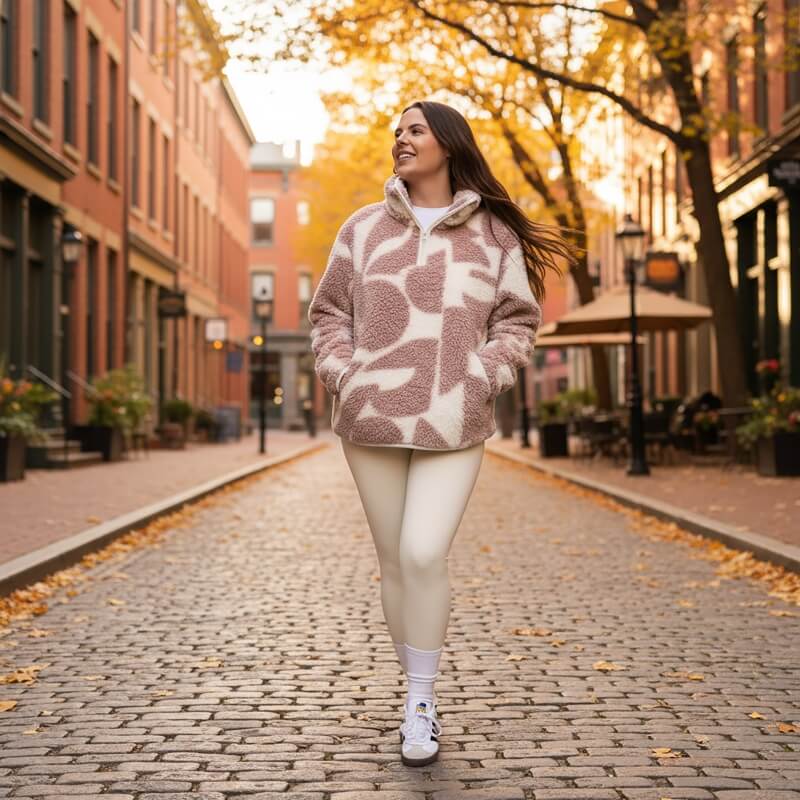
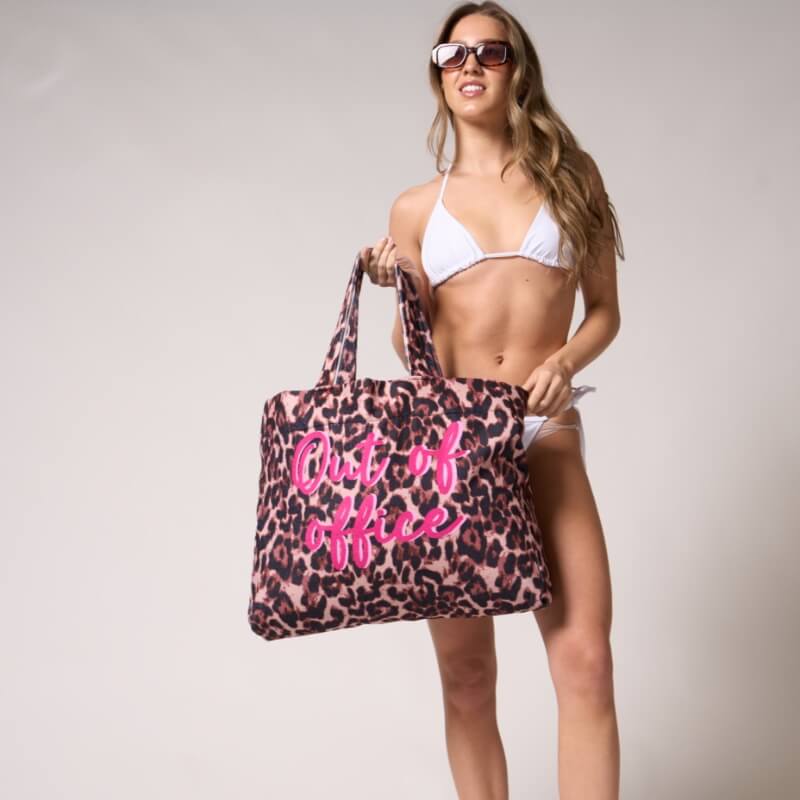

This kind of work doesn’t always come with a single headline metric, like traffic growth. It’s content infrastructure.
But the outcomes are still concrete:
Most importantly, the client gets imagery they can deploy across:
And because the workflow is template-based, we can scale to large volumes without the output turning into “AI art”.
If you sell physical products, your imagery workload tends to grow faster than your patience.
You can do it the traditional way:
Or you can use AI responsibly:
The difference between those two paths is not “AI vs no AI”.
It’s whether you have a system.
If your brand needs more lifestyle content but you don’t want to run a photo production company on the side, this is the route.
Q.1 Can AI-generated lifestyle images replace studio photography?
Not really, and it shouldn’t try. Studio photography is the anchor that keeps your product accurate. AI in-situ scenes work best when they are built from real studio images, so the product stays true while the context changes.
Q.2 What makes AI imagery usable for ecommerce, not just “cool”?
Consistency and control. That means templates, fixed scene types, and a clear QA process. If every image is a one-off creative decision, it won’t scale, and you’ll spend more time reviewing than publishing.
Q.3 How do you keep the product accurate across different scenes?
We lock down what can’t change: color, material texture, shape, and scale cues. Then we build prompts and scene rules around those constraints, so the background adapts while the product remains stable.
Q.4 Can this work for different categories, like bedding, travel accessories, and furniture?
Yes, but the scene library needs to match the category. A travel accessory needs different context than bedding, and bedding needs different lighting and texture handling than furniture. The workflow stays the same, the scene rules change.
Q.5 What do you need from us to start?
A small set of studio shots, your preferred style references, and clarity on where the images will be used (PDP, email, social). With that, we can propose scene types, define a prompt baseline, and run a first batch.
If you’re sitting on a folder of studio shots and you know you need more lifestyle content, book a quick 30-minute video call. We’ll tell you what scene sets make sense, how to keep quality under control, and what a realistic workflow looks like for your team.
Contact
Not everyone likes to write. Rather talk to someone first? Book a 30 to 45 minute intro call through Calendly. It's free, and by the end you'll know whether a proposal makes sense.
Book a call(opens in a new tab)Tell us what's stuck, what you want to build, or what needs fixing. We usually reply within 1-2 business days.